As you can see in the picture above, Open AI responds in markdown text format. This format is not best for the User Experience point of view. Here is how I made it look beautiful without a paid plugin and code.
Step 1: Install this free plugin
- 🤌 Markdown Pro is a free plugin created by Rico and by doing so he has done a great service to the bubble community. Here is the plugin Link: https://bubble.io/plugin/%F0%9F%A4%8C-markdown-pro-1664737464989x536991279033614340
Step 2: Setup in Bubble Page to convert from Markdown text format
-
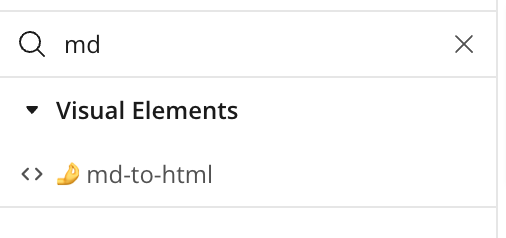
As you can see in the above image, there is an element called ‘🤌md-to-html’ that you will find on the design tab after installation of the plugin.
-
Then set the element as shown below:
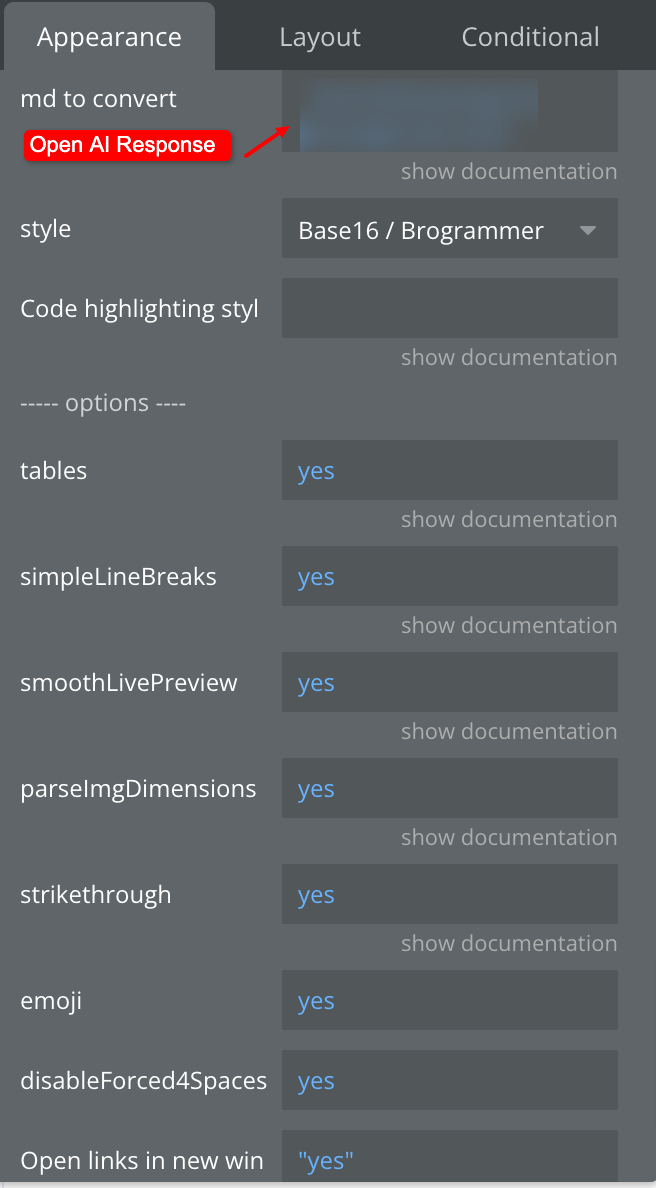
Make sure you provide Open AI’s response in ‘md to convert’ input of element.
-
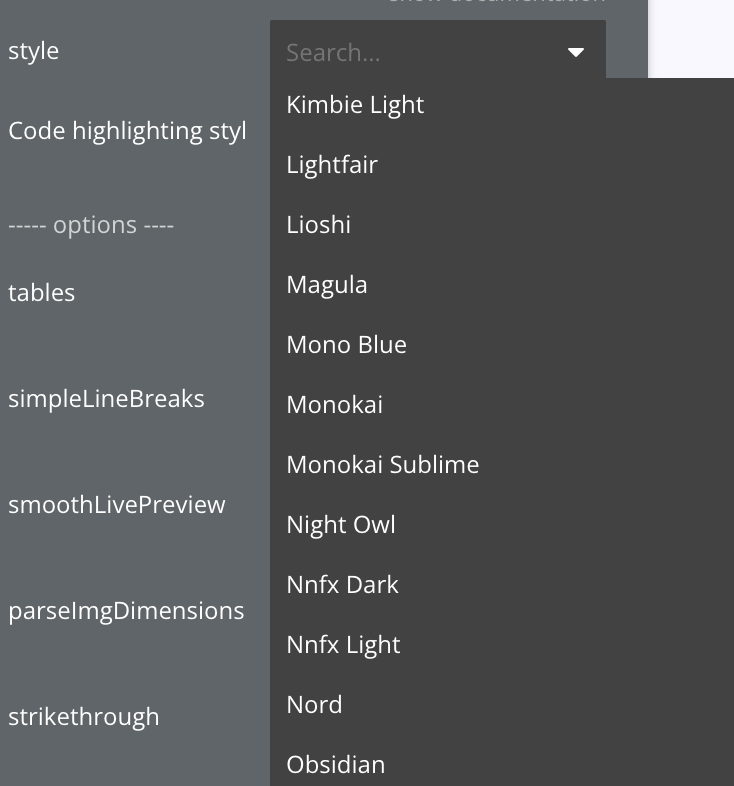
Select a pre-defined style as shown in image below:
Step 3: Setup in bubble page to show converted content
-
Add an HTML Element on the page as a visual output of Open AI’s response where the User will see the output of their prompt.
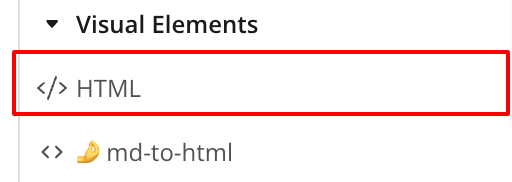
Here is how you set the output:
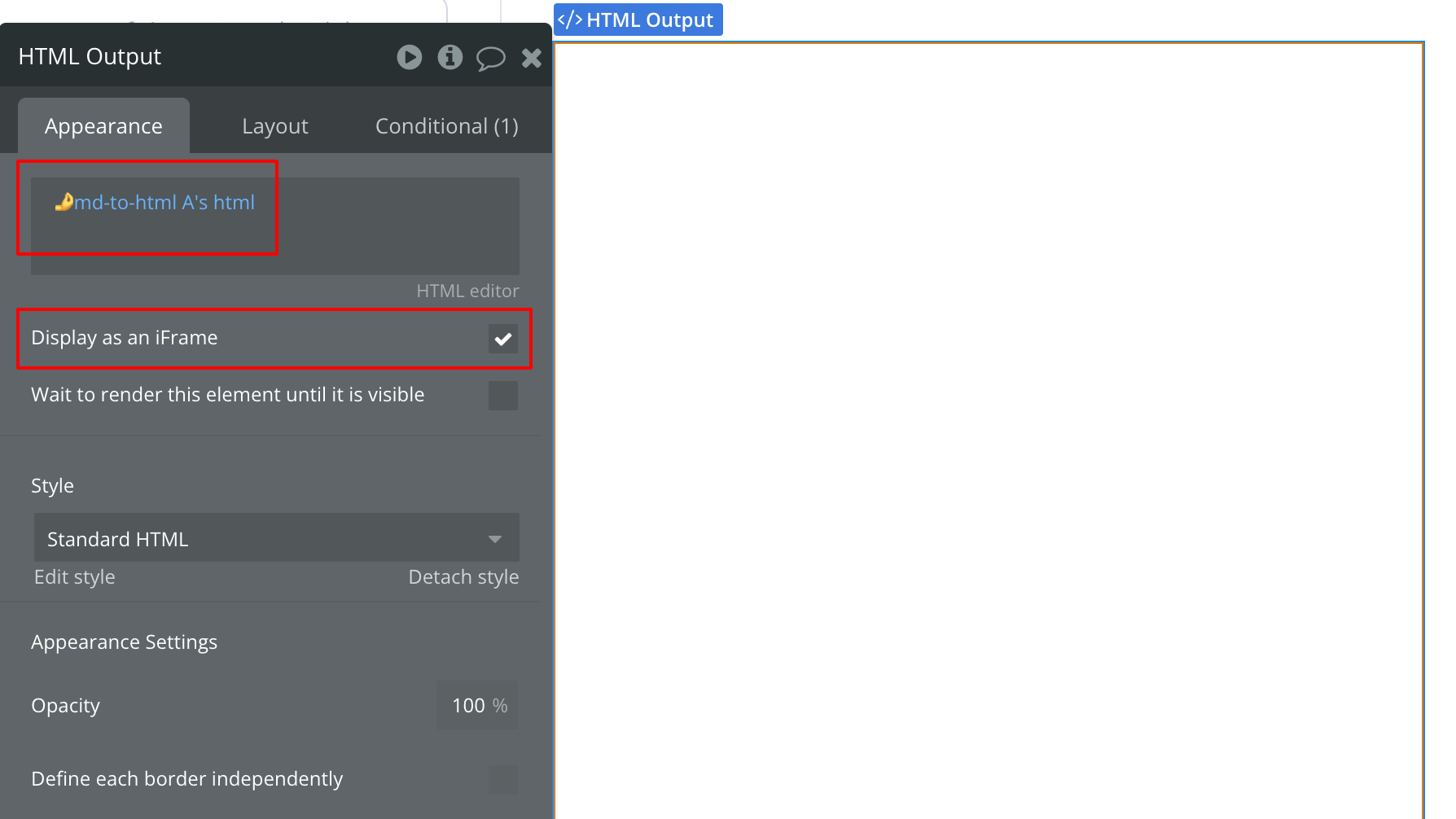
Now run this on your Page.
Here are the overall steps we followed to achieve this:
-
Receive Open AI output
-
Pass that output into markdown text to the HTML element
-
show that HTML converted text into HTML output.
Hope this will reduce your efforts!