Article · Feb 6, 2026
n8n Cloud's 60-second timeout: the dispatcher-worker pattern that beats it
n8n Cloud caps Code nodes at 60 seconds and workflows at 40 minutes. Dispatcher-worker gives every chunk a fresh execution clock.
If you are running a data pipeline on n8n Cloud and seeing rows quietly missing from the destination after a long run, the most likely cause is not your code. It is n8n Cloud’s 60-second Code-node task-runner timeout firing silently mid-batch. The runner returns whatever it had finished, the workflow continues with the truncated result, and the downstream nodes process the partial input as if it were complete. No error appears in the run log.
The fix is the dispatcher-worker pattern: a parent workflow that chunks the input and triggers a child workflow per chunk via webhook, giving every chunk a fresh execution clock.
Dispatcher-worker pattern: a workflow architecture where a parent workflow (the dispatcher) splits a large job into smaller chunks and triggers a separate child workflow (the worker) for each chunk. Each worker invocation starts its own execution clock, so no single chunk can hit a platform-level timeout even if the full job would.
What are n8n Cloud’s execution timeout limits?
n8n Cloud applies two execution caps that interact in non-obvious ways:
- Code-node task-runner timeout: 60 seconds. Hard-coded across all Cloud tiers. Code nodes run through an external task-runner architecture; if a Code node does not complete within 60 seconds, the runner returns whatever has been produced so far. This is documented in the n8n configuration reference and tracked in an open community thread active since the v2 upgrade.
- Total-workflow execution timeout. Around 5 minutes on the free tier, roughly 40 minutes on Pro, longer on Enterprise.
Most operators design workflows assuming the workflow-level cap is the binding constraint. It is not. The Code node runs out-of-process on a separate runner with its own clock, and it fails without ceremony.
How the 60-second cap fails silently
The failure mode is the most expensive shape a bug can take: the workflow returns success, downstream nodes process the partial result, and the destination ends up with the first N records instead of all of them.
Here is what happens. The pipeline reads 1,676 records from the source. A Code node runs a for loop that processes each record (transform, dedup check, write to destination). Each record takes about 50 milliseconds, so the full loop should run in roughly 84 seconds. After 60 seconds, the runner has finished about 1,200 records. It returns that array to the workflow context and exits. The workflow’s next node receives [1,200 items] and proceeds.
The workflow log shows green. The Code node’s output reads 1,200 items, but there is no annotation that this was a truncation rather than a completion. 476 missing records produce no error, no alert, no log entry.
I walked into this exact failure on a Bubble.io migration. The silent failures case study covers it as failure #1 of four.
The dispatcher-worker pattern, in detail
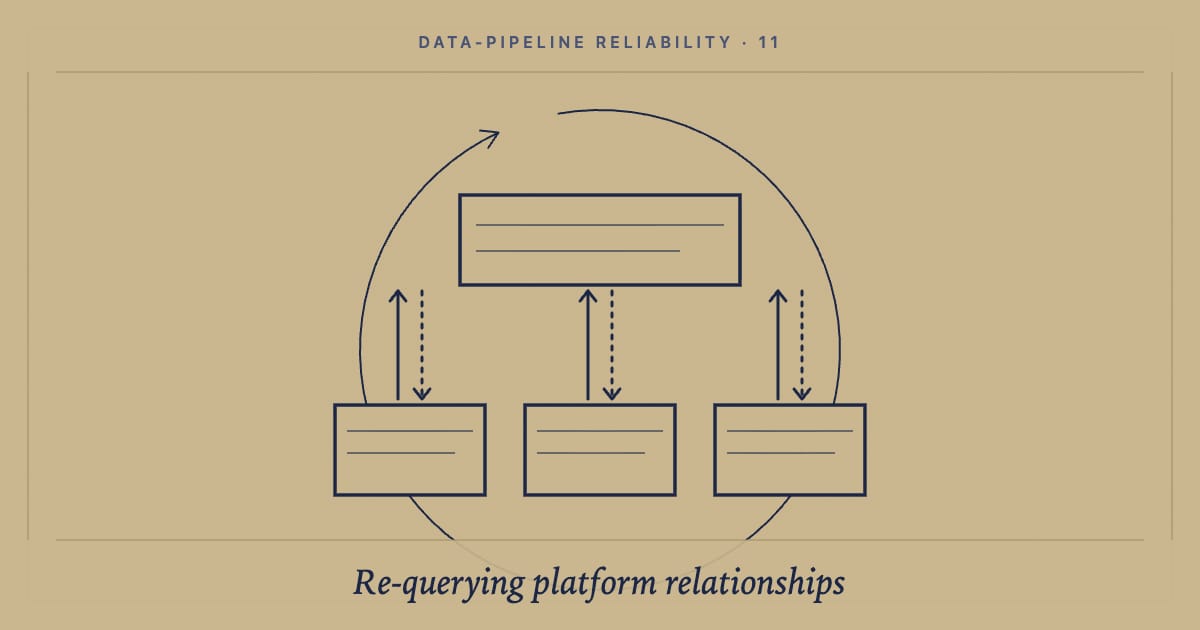
The dispatcher (parent workflow)
- Reads the full input set from the source.
- Splits it into chunks small enough to fit under the 60-second cap with margin.
- For each chunk: fires a webhook to the worker workflow with the chunk as payload, waits for the worker to respond, and logs success or failure for that chunk.
- Reports a final summary at the end.
The dispatcher’s own Code work is trivial: split arrays, dispatch HTTP calls. None of its operations approach the 60-second cap.
The worker (child workflow)
- Triggered by the webhook the dispatcher fires.
- Receives one chunk’s worth of records.
- Processes them (transform, dedup, write).
- Returns a response with success/failure status and processed count.
The worker’s Code-node clock starts at zero when the webhook fires. As long as one chunk fits under 60 seconds, the worker never hits the cap. The full job can run for hours.
Why webhook triggering specifically
n8n offers several ways to invoke one workflow from another: the Execute Workflow node, sub-workflows, webhook calls. Webhook calls are the right primitive here.
They cross the execution-context boundary cleanly. The worker’s invocation does not inherit the dispatcher’s clock. They are observable: each call produces an HTTP request you can log and replay. They are recoverable: if a worker fails, the dispatcher can retry the same payload by re-firing the webhook. And if you graduate to self-hosted with multiple workers, the webhook URL can fan out to a load-balanced pool without touching the dispatcher logic.
Sizing chunks correctly
The chunk size is the single tuning parameter that determines whether the pattern works.
Target 30 seconds of worker processing per chunk, not 60. That leaves headroom for transient slowness in the destination platform, network blips, and OAuth token refreshes that happen mid-chunk. Start empirically: do not pre-compute the optimal size. Start at 50 records per chunk, run the worker, time it. If it lands at 5 seconds, increase to 200. If it lands at 45 seconds, halve. Make chunk size a parameter on the dispatcher rather than hard-coding it, so tuning is a one-line change when the destination platform’s latency profile shifts.
Reasonable starting points:
| Workload | Chunk size |
|---|---|
| Bubble.io single-record upsert with verification re-query | 25-50 records |
| n8n API-Connector calls with retry middleware | 25-100 records |
| Pure-JavaScript transforms, no network | 200-500 records |
| Heavy text processing (LLM tokenization, similarity scoring) | 5-20 records |
State management and resume-ability
The dispatcher should persist progress between chunks so a partial run can be resumed without re-processing already-completed chunks.
The external-store approach writes each chunk’s status (pending, done, failed) to a row in Postgres, Airtable, or a Bubble Thing. The dispatcher reads the table at start, dispatches only pending chunks, and marks each one done as the worker returns. Failures are explicit rows, not lost data.
The in-payload checkpoint approach includes a chunk_index and total_chunks in each chunk payload. The dispatcher can resume from any index by reading the destination’s natural-key fingerprints (see the natural-key fingerprint pattern) and skipping already-written chunks. Lighter weight, but harder to debug when something goes wrong.
For production migrations I use the external store. For one-shot dev migrations, the in-payload approach avoids the coordination overhead.
When to graduate to self-hosted n8n
The dispatcher-worker pattern lets you stay on Cloud Pro for migrations that would otherwise require self-hosting.
Graduate when you have individual operations that cannot be chunked: long-running ML inference, video processing, large file transforms where each unit takes more than 60 seconds. Self-hosted lets you raise EXECUTIONS_TIMEOUT and the task-runner config to fit. Graduate when execution volume clears roughly 50,000 per month, at which point a small VPS beats Cloud Pro on cost. Graduate when your workflows need to run longer than 40 minutes end-to-end.
Until at least one of those is true, stay on Cloud. Cloud removes the operational surface of running n8n yourself, which is worth a real amount on a single-operator practice.
The rule that holds
Long-running n8n work fails silently on Cloud unless every chunk gets a fresh execution clock.
If you are running production migrations on n8n Cloud and your batches are silently truncating at the 60-second mark, let’s talk. The dispatcher-worker architecture is what goes in on day one of every n8n migration engagement.
Related reading
- Silent failures: the bug class no tool catches in your data pipeline: the case study where this pattern fixed a real-world 639-row gap.
- Idempotent data pipelines: the natural-key fingerprint pattern: pairs naturally with dispatcher-worker for resumable, dedup-safe runs.
- Why I stopped trusting Bubble.io’s list fields and re-query the database instead: the verification-side companion.
Frequently asked questions
What are n8n Cloud's execution timeout limits?
Two limits apply on n8n Cloud. Code nodes are matched to a runner within a 60-second task-runner timeout, hard-coded across all Cloud tiers. Total workflow execution caps at around 5 minutes on the free tier, roughly 40 minutes on Pro, and longer on Enterprise. The 60-second Code-node cap is the one that surprises most operators because it fires silently: the runner returns whatever was produced and the workflow continues without an error log entry.
Why do Code nodes time out at 60 seconds in n8n Cloud?
n8n Cloud runs Code nodes through an external task-runner architecture introduced in v2.x. Each Code node task is queued and matched to a runner; if no runner is available within 60 seconds, or the task takes longer than 60 seconds to complete, the runner returns. The n8n community has tracked this as a recurring issue since the v2 upgrade. It is infrastructural, not a configurable timeout, so the workaround is architectural: keep individual Code nodes well under 60 seconds by chunking the input.
How does the dispatcher-worker pattern work in n8n?
The dispatcher is a parent workflow that takes the full input set and splits it into chunks small enough to comfortably fit under the 60-second cap (typically 50-200 records per chunk depending on processing complexity). For each chunk, the dispatcher fires a webhook to a child workflow (the worker), which processes that chunk and reports back. The dispatcher waits for the worker's response before firing the next chunk. Every worker execution starts a fresh clock, so the only thing that has to fit in 60 seconds is one chunk's worth of work.
Can I increase n8n Cloud's timeout limit?
Not on the Code-node side; the 60-second runner timeout is fixed across all Cloud tiers. The total-workflow cap can be raised by upgrading from free (5 min) to Pro (around 40 min) to Enterprise (longer), but the Code-node cap stays the same. If you need individual operations to run longer than 60 seconds, you have two options: decompose the operation into a chunked dispatcher-worker, or graduate to self-hosted n8n where both timeouts are configurable via environment variables (`EXECUTIONS_TIMEOUT` and the task-runner config).
When should I move from n8n Cloud to self-hosted n8n?
When individual operations genuinely cannot be chunked into sub-60-second units (long-running ML inference, video processing, large file transforms). When your monthly execution count is hitting Cloud Pro limits (self-hosted on a small VPS becomes cheaper above roughly 50,000 executions per month). When you need workflows longer than 40 minutes for large data migrations or multi-hour ETLs. Until at least one of these is true, Cloud is usually the right call because it removes the operational surface of running n8n yourself.
How big should each chunk be in the dispatcher-worker pattern?
Size each chunk so that worker processing time is comfortably under 30 seconds, leaving headroom for transient slowness. For a Bubble.io upsert pipeline writing single records, that is typically 50-100 records per chunk. For an n8n workflow doing API calls with retries, 25-50. For pure JavaScript transforms with no network, 200-500. Start at 50, time the worker, halve or double until you hit the 30-second target. Build chunk size as a parameter on the dispatcher so you can tune without redesigning the workflow.