Article · Jan 23, 2026
Silent failures: the bug class no tool catches in your data pipeline
4 silent failures I diagnosed in a Bubble + n8n migration: timeout truncation, one-sided relationships, mutable dedup keys, async webhook commits.
You have probably hit this bug class: the pipeline runs, every node turns green, the notification says “completed successfully,” and a week later someone notices the production data is missing rows. Or the parent record shows zero children when it should have eleven. Or every record after the 137th in each batch is just gone. No errors. No alerts. Nothing to debug.
Silent failure: a production pipeline failure that raises no exception, returns no non-2xx response, and triggers no alert. The pipeline operator sees only the success path. The data layer sees the corruption.
This is a case study from a Bubble.io + n8n migration I ran for a client last quarter. The migration moved a complex relational schema from a source platform into a destination Bubble app. Phase 3 hit four silent failures in production. Each looked different on the surface. All four shared the same root signature: the pipeline reported success, the destination data did not match the source, and the only way to find the gap was to re-query reality.
What silent failures actually look like
The five types I keep running into:
- Schema changes downstream of an unmonitored API. A column rename or a wrapped payload turns every read into
undefined, but the API still returns 200 and the workflow processes the (empty) result. - Data-quality drift. Missing values, format inconsistencies, duplicate rows. Each looks like a single bad record on its own; in aggregate they degrade the dataset until something catches.
- Platform-side timeouts that return success before work completes. An n8n Code node hits its 60-second cap and returns whatever it has finished. Downstream nodes proceed as if the input is complete.
- Idempotency violations on retry. A pipeline restarts from a checkpoint and re-inserts records that already exist, doubling rows.
- One-sided relationship updates. A child record points at its parent, but the parent’s list of children never gets updated. From the child’s perspective everything looks fine. From the parent’s perspective the child does not exist.
The unifying property: in all five cases, the pipeline’s own success log is wrong. The database’s actual state is the only ground truth. Pipelines that trust the success log fail silently. Pipelines that re-query reality do not.
The four failures, in the order they hit
The migration covered a relational schema with three nested levels: top-level records (call them A), middle-level records (B) attached to each A as children, and a leaf level (C) attached to each B. The source platform exposed all three via REST. The destination was a Bubble.io app with the standard Things-and-relationships data model. Orchestration was n8n Cloud on the Pro tier.
1. The timeout that swallowed half the batch
After a four-hour run, the verification step reported the destination had 1,037 records. The source had 1,676. 639 records missing, no errors logged anywhere.
Diagnosis used the count-back pattern. I pulled the count at every stage:
- Source: 1,676
- After the n8n Read node: 1,676
- After the n8n Transform node: 1,676
- After the n8n Code node that did the dedup-and-write logic: 1,037
The Code node was the gap. It processed records in a single loop and hit n8n Cloud’s 60-second task-runner timeout. When the timeout fires, the runner returns whatever it has produced so far and the workflow continues with the truncated result. No error.
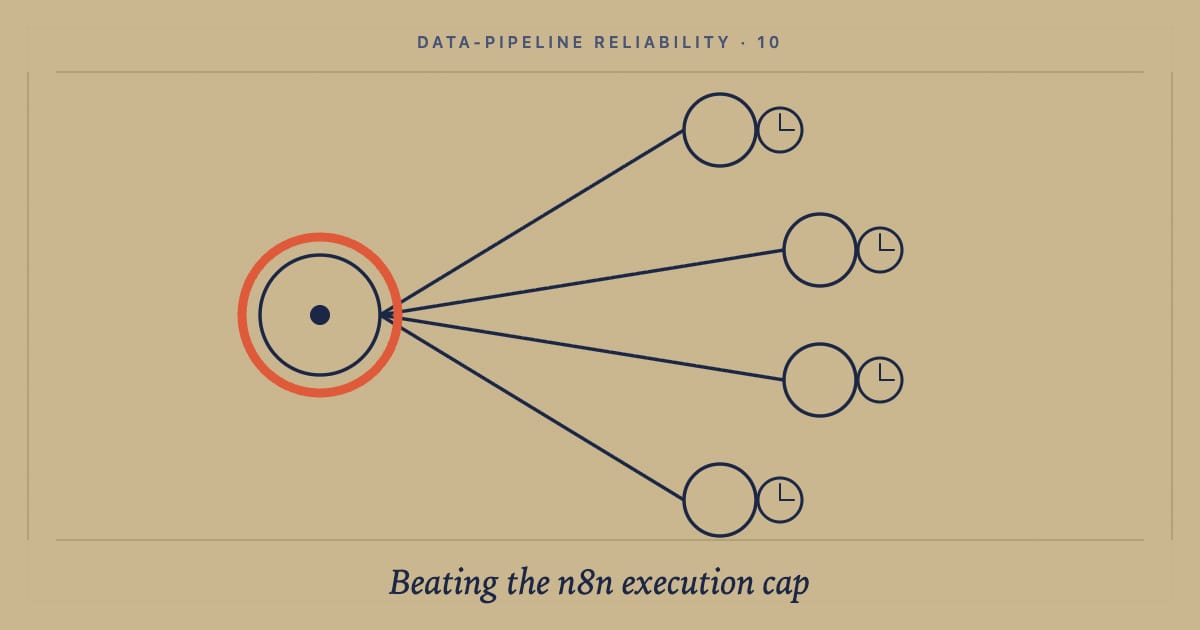
Dispatcher and worker pattern: a parent workflow that chunks the input into batches small enough to fit under the platform timeout, then triggers a child workflow per chunk via webhook. Every chunk gets a fresh execution clock. The parent waits for each child to complete before triggering the next.
That is the fix here. Total wall-clock time was longer. Every record landed. (Full breakdown in the n8n Cloud execution-cap post.)
2. The list field that pointed forward but not back
After the first fix, all 1,676 records landed. Verification on the child side passed. Verification on the parent side failed.
Each B record correctly named its parent A. But when the app rendered an A record’s list of children, the list was empty. Bubble’s repeating group showed nothing, even though the data was there.
This is a Bubble-specific failure rooted in how the platform models relationships. Pointing a child at a parent does not automatically add the child to the parent’s list-field. The child record has the parent reference. The parent record’s list field is unchanged. Bubble’s “Search for Bs whose Parent is A” expression goes around the list field and queries directly, so the platform hides this in most UI contexts. But any code path that reads the list field directly (a list-of-things field, a custom state, an API export) sees an empty list.
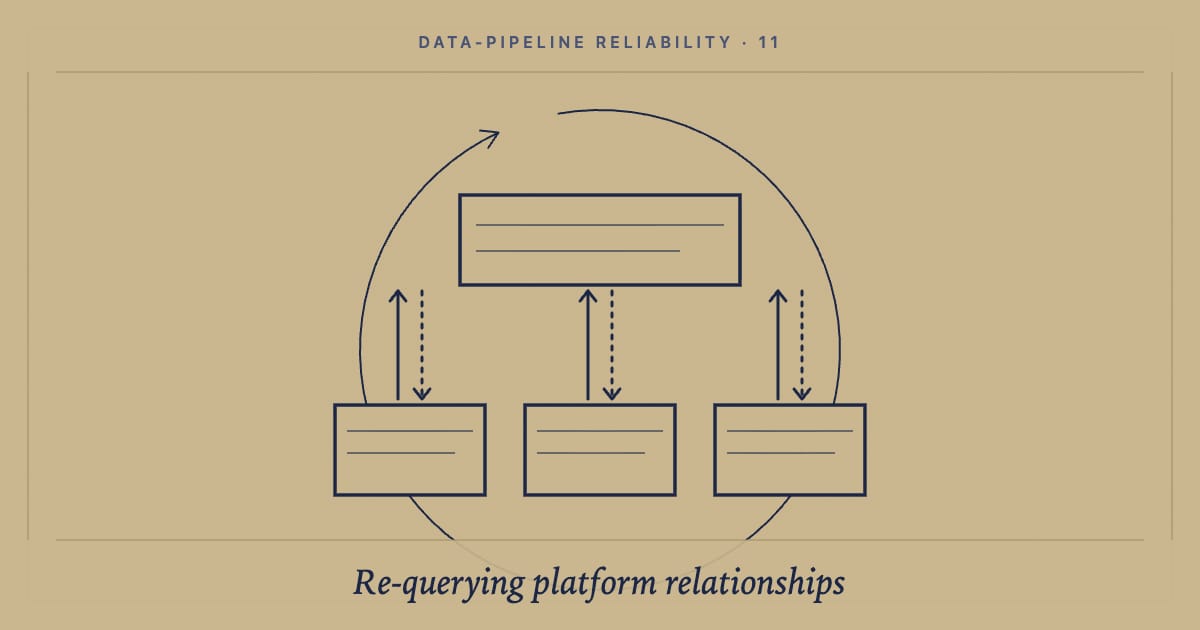
The fix was a finalize-parents pass. After the children were written, a second n8n workflow ran over each parent A, queried for its actual children using a search, and wrote the resulting list back to the parent’s list-field. (Full breakdown in the re-query database post.)
3. The fingerprint built on a mutable field
The third failure showed up on a re-run against a different source. The destination ended up with duplicate B records: some B records appeared twice, the same source row inserted as two different destination rows.
The dedup logic used a fingerprint hash. For each incoming record it would hash a subset of fields, check the destination for an existing row with that fingerprint, and update vs insert accordingly. The hash was deterministic. The bug was that one of the inputs was the source platform’s last_modified_at timestamp, which changed on every re-export.
Same logical record. Different timestamp. Different fingerprint. “No existing row matches.” Insert as new. Duplicate.
Natural-key fingerprint: a deterministic hash built only from fields that are stable across re-runs and that uniquely identify the logical record, never the physical version. Timestamps, auto-increment IDs, platform-assigned UUIDs, and any field the source mutates are excluded. Common patterns: name plus serial for hardware records, email plus tenant for users, ISO date plus location for events.
The fingerprint inputs I switched to were stable. Re-runs stopped producing duplicates. (Full breakdown in the natural-key fingerprint post.)
4. The webhook that returned 200 before the write committed
This one was the subtlest. Phase 3 added a step where the n8n pipeline called a Bubble API workflow via webhook to perform an authenticated write. The Bubble API workflow returned 200 immediately. The n8n pipeline marked the step complete and moved to the next record.
Bubble’s API workflow execution is asynchronous by default. Returning 200 means the workflow was queued, not that the database write had committed. Under load, the queue lagged. The next n8n step would look for the just-written record, not find it (the previous write was still pending), log “record not found, skipping,” and continue. The destination ended up with gaps.
The fix had two parts: switch the Bubble API workflow to a synchronous call (response only after the write commits), and add a verify-existence retry loop on the n8n side that re-queries until the just-written record actually appears, with a sane upper bound. Any run where verification times out is now treated as a bug to investigate, not as expected drift.
The rule that covers all four
After the four fixes, the pipeline ran clean: 1,676 records and 722 parent links, all accounted for, zero silent failures across the verified run.
Verify state, not operations. Re-query reality before treating any pipeline run as done.
Every silent failure I have found in five years of production data work shares the same anti-pattern: the operator trusted the platform’s success report. Every fix shares the same correction: re-query the destination database for absolute counts and relationships, compare to the source, and treat any non-zero delta as a bug to investigate. The platform’s success message is a hint, not a verdict.
If you are running data migrations into Bubble, n8n, Airtable, or any other no-code platform and suspect your pipeline is reporting success while quietly losing rows, let’s talk. The four-fix playbook above is what goes in on day one of every migration engagement.
Related reading
- Idempotent pipelines: the natural-key fingerprint pattern: the dedup pattern that fixed silent failure #3.
- n8n Cloud’s 60-second timeout: the dispatcher-worker pattern that beats it: the architecture that fixed silent failure #1.
- Why I stopped trusting Bubble.io’s list fields and re-query the database instead: the finalize-parents pass that fixed silent failure #2.
Frequently asked questions
What is a silent failure in a data pipeline?
A silent failure is a pipeline failure that produces no error, alert, or red flag. The pipeline runs, every node reports success, the dashboard shows green, and the production data is quietly missing, duplicated, or wrong. Common causes: schema changes downstream of an unmonitored API, data-quality drift (missing values, format inconsistencies, duplicates), platform-side timeouts that return success before work completes, idempotency violations during retries, and child-to-parent relationship updates that point one direction only. Each fails the same way: tests pass, alerts stay silent, the data is wrong.
Why don't coding tools catch silent failures?
Because tools optimize for the visible signal. The build succeeds, the tests pass, the workflow run shows green checkmarks across every node. There is no error trace to read, no exception to surface. Silent failures only become visible when you compare the pipeline's report of what it did against the database's actual state. Most tools do not run that comparison unless you tell them to, and most operators never do. The fix is structural: every pipeline needs a verification pass that re-queries the destination, counts what landed, and flags any gap before the run is marked done.
How do you debug a silent failure in n8n or Bubble.io?
Start with the count, not the run log. Pull the count of records the pipeline claims it wrote, then pull the count of records actually present in the destination, and look at the gap. Walk back through the pipeline stages and re-count at each one. The stage where the count first dropped is where the silent failure lives. From there, inspect the platform-specific failure modes: n8n Cloud's 60-second code-node timeout, Bubble's asynchronous list-field update behaviour, webhook acknowledgements that fire before persistence completes, dedup keys that include mutable fields. Never trust the platform's success message until you have re-queried reality.
What is the most common silent failure in n8n migrations?
Execution-cap timeouts. n8n Cloud caps each Code node at 60 seconds and each workflow at around 40 minutes on the Pro tier. For long-running migrations that loop over thousands of records, hitting either cap silently truncates the batch. The pipeline reports success because the Code node returned what it had completed, and the destination has the first N records but not the rest. The fix is the dispatcher and worker pattern: a parent workflow that chunks the input and triggers a child workflow per chunk via webhook trigger, giving every chunk a fresh execution clock.
How do you make a Bubble.io data migration idempotent?
Hash a stable subset of the source record's fields into a deterministic fingerprint, store that fingerprint as a field on the destination row, and check for fingerprint existence before every write. If the fingerprint exists, update the existing row instead of inserting a new one. The fingerprint inputs must be stable over re-runs: no timestamps, auto-increment IDs, or fields the source mutates. Common patterns are name plus serial for hardware records, email plus tenant for users, and ISO date plus location for events. Idempotent pipelines can re-run from any failure point without producing duplicates.
How do you verify a pipeline run actually completed?
Re-query the destination database for the absolute count and compare it to the source. The pipeline's own success messages are not enough. Build a verification step into every production pipeline that runs after the main work and reports three numbers: source count, destination count after the run, and the delta. Treat any non-zero delta as a bug to investigate. For relationships (parent-child links, list-field contents), run the verification against the parent side as well as the child side, because most platforms only update one direction reliably.