Article · Jun 26, 2026
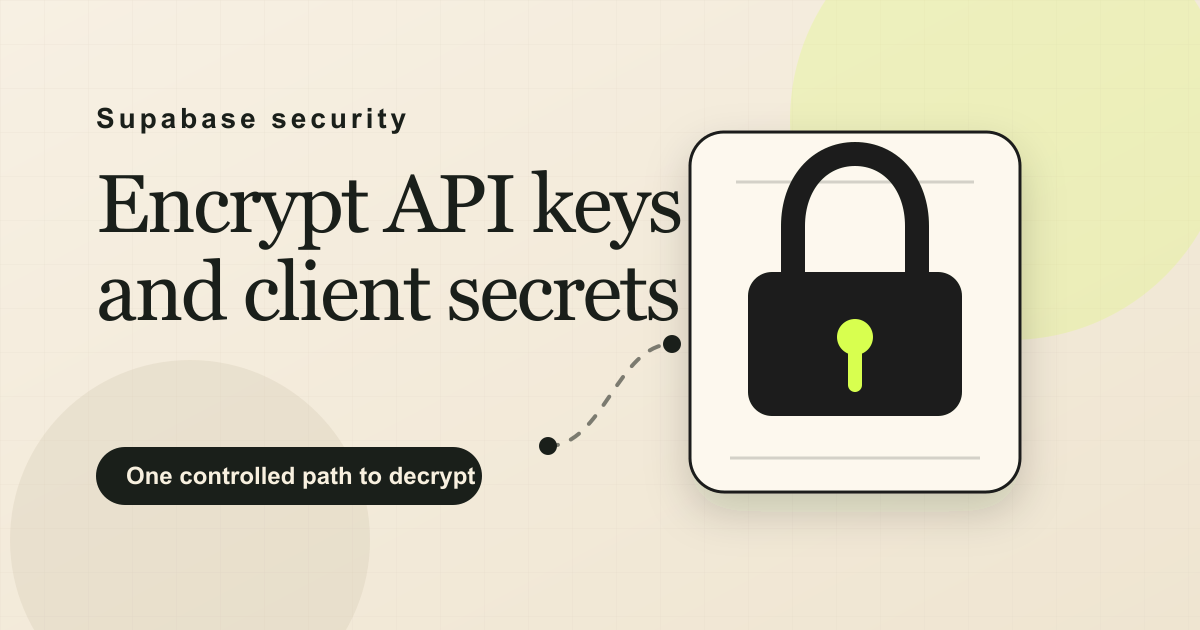
How to encrypt API keys and client secrets in Supabase
Use Supabase Vault to encrypt API keys and client secrets, keep metadata in Postgres, and gate decrypts behind one checked SECURITY DEFINER function.
If you are storing client API keys, shared tool passwords, or third-party login details in Supabase, Supabase Vault is the right boundary for the reusable secret. Login passwords get hashed because the app only needs to verify them. Reusable secrets need to be read back later, so they need encryption and a controlled decrypt path.
This is where most developers make the mistake: they store the value as plain text in a normal database column and trust that “only admins and a few developers can see this table.” That only blocks access. It does not protect the password once a read is allowed. A developer with dashboard access, a leaked backup, one overbroad rule, or a support tool that dumps rows still gets plain text.
The right thing to do is encrypt the password or secret when it is stored, then decrypt it only when an assigned user actually needs it.
Hashing vs encryption: hashing is one-way (you can verify a value but never read it back) and is for login passwords. Encryption is two-way (you can decrypt it with a key) and is for secrets you have to reuse, like an API key.
Here are the three steps I use to do this in Supabase.
Step 1: Store client secrets in Supabase Vault
Supabase Vault: a built-in Supabase feature that stores secrets encrypted at rest. You write a value with
vault.create_secret()and read it back through thevault.decrypted_secretsview. Supabase manages the encryption key and keeps it separate from your data. See the Supabase Vault docs for the underlying table and view behavior.
Supabase has a built-in encrypted store called the Vault. The good part is I do not have to install any crypto library or manage an encryption key myself. Supabase handles the key and keeps it separate from my data.
The Vault does have a dashboard where you can add a secret by hand, which is handy for a few fixed secrets like an API key. But my client passwords get created by users while the app is running, so adding them by hand is not an option. I store them in code with vault.create_secret(secret, name, description). It encrypts the value and gives me back a secret_id (a UUID), and the actual password is never written into a normal app column.
Here is the important part. I do not put the whole record into the vault, only the password. The other fields, like service name, username, login URL, and notes, are not secret, and I still want to search and show them. So they stay as normal columns in my own table. On that table I just keep a secret_id column that points at the vault entry. The row stays readable, but where the password should be, there is only a reference, not the real value.
-- my table keeps only non-secret fields plus a reference to the vault entry
create table public.client_passwords (
  id           uuid primary key default gen_random_uuid(),
  client_id    uuid not null,
  service_name text,
  username     text,
  url          text,
  notes        text,
  secret_id    uuid not null          -- points at the vault entry, not the password
);

-- still enable RLS on public tables; direct reads/writes should not bypass the functions
alter table public.client_passwords enable row level security;

-- encrypting a value returns a reference id; the plain value is never stored in a column
select vault.create_secret('sample-password-123', 'client_pw_demo', 'Client password');
With no direct RLS policy on client_passwords, the table stays closed to normal client queries. The app reads and writes through the functions below. If you want a separate metadata-only list later, add a narrow SELECT policy for the non-secret fields. The password still stays in Vault.
Step 2: One controlled function to decrypt
SECURITY DEFINER: a Postgres function setting that runs the function with the privileges of its owner, not the user who called it. It is what lets one controlled function reach the decrypted secret while ordinary users cannot. Supabase’s database functions guide also calls out the
search_pathrequirement for this pattern.
search_path: the ordered list of schemas Postgres searches to resolve a name like
has_role. ForSECURITY DEFINERfunctions, I set it to an empty string and fully qualify every table, view, and function name. That removes the search-path injection risk instead of hoping the right schema wins.
The single controlled function is the only way to read the secret back. It runs with special privileges, so it can access the decrypted value that normal users and normal queries cannot. This is the only locked door to the vault, and I put the permission check right inside it.
Here is the write path. It checks the caller, encrypts the password into the vault, and stores only the non-secret fields plus the reference id:
create or replace function public.store_client_password(
  p_client_id    uuid,
  p_service_name text,
  p_username     text,
  p_password     text,        -- the secret to protect
  p_notes        text,
  p_url          text default null
)
returns uuid
language plpgsql
security definer                    -- runs as the function owner, not the caller
set search_path = ''                -- every object below is schema-qualified
as $$
declare
  v_id        uuid := gen_random_uuid();
  v_secret_id uuid;
begin
  -- guard: only an admin may store a secret
  if not public.has_role(auth.uid(), 'admin') then
    raise exception 'Not authorized';
  end if;

  -- encrypt the password in the vault; get back a reference id
  select vault.create_secret(p_password, 'client_pw_' || v_id::text, 'Client password')
  into v_secret_id;

  -- store ONLY the non-secret fields plus the reference id
  insert into public.client_passwords (id, client_id, service_name, username, notes, url, secret_id)
  values (v_id, p_client_id, p_service_name, p_username, p_notes, p_url, v_secret_id);

  return v_id;
end;
$$;

revoke execute on function public.store_client_password(uuid, text, text, text, text, text)
from public, anon;

grant execute on function public.store_client_password(uuid, text, text, text, text, text)
to authenticated;
Here is the read path. The password is decrypted only inside this function, and only after the same permission check passes:
create or replace function public.get_client_passwords(p_client_id uuid)
returns table (id uuid, service_name text, username text, password text, url text, notes text)
language plpgsql
stable
security definer
set search_path = ''
as $$
begin
  if not public.has_role(auth.uid(), 'admin') then          -- same guard on the way out
    raise exception 'Not authorized';
  end if;

  return query
  select cp.id, cp.service_name, cp.username,
         ds.decrypted_secret as password,                   -- decrypted ONLY inside this function
         cp.url, cp.notes
  from public.client_passwords cp
  join vault.decrypted_secrets ds on cp.secret_id = ds.id
  where cp.client_id = p_client_id
  order by cp.service_name;
end;
$$;

revoke execute on function public.get_client_passwords(uuid)
from public, anon;

grant execute on function public.get_client_passwords(uuid)
to authenticated;
The grants are not the permission model. They just stop anonymous callers and accidental public execution. The real permission model is still inside the function, right before the function stores or decrypts anything.
Using it with dummy data:
-- store: encrypts 'sample-password-123' into the vault
select public.store_client_password(
  '00000000-0000-0000-0000-000000000001',   -- example client id
  'Acme CRM', 'team@example.com', 'sample-password-123',
  'Shared marketing login', 'https://crm.example.com'
);

-- read back: only an admin gets a row
select * from public.get_client_passwords('00000000-0000-0000-0000-000000000001');
In production, I do not paste real secrets into the SQL editor like the sample above. The server calls the RPC with parameters, and logs or error handlers are not allowed to print the secret-bearing values.
Four things matter here. security definer runs the function as its owner, so it can decrypt. set search_path = '' forces every object reference to be explicit. The function execute grants keep the surface smaller. And the permission check sits inside both the write and the read. I never expose vault.decrypted_secrets directly; the function is the only path.
Step 3: Check the permission inside the door
auth.uid(): in Supabase, the id of the currently logged-in user, read from their session token. You use it inside a function to know who is making the call.
The controlled function is the locked door to the vault. Before that door opens and reveals the decrypted value, it checks whether the caller is actually allowed to read it. The decrypt never happens until that check passes.
In what I built, that check is a simple role check:
-- inside both store_client_password and get_client_passwords
if not public.has_role(auth.uid(), 'admin') then
  raise exception 'Not authorized';
end if;
Here, auth.uid() is the id of the logged-in user making the call, and has_role(...) looks up that user’s role. So in my app, only an admin can store or read a client password. Everyone else gets Not authorized and never even reaches the decrypt step. For a small team where the admins manage all the client credentials, checking the role is enough.
Now, what if I wanted each user to see only the clients they are assigned to? Then I would just swap the role check for an assignment check. The same door, only stricter:
-- per-user variation: the caller must be assigned to THIS client
if not exists (
  select 1 from public.client_assignments ca
  where ca.user_id = auth.uid()
    and ca.client_id = p_client_id
) then
  raise exception 'Not authorized';
end if;
What I shipped is admin-only because a small admin team controls all credentials. Scoping it per user is the natural next step, and as you can see, it only changes one check, not the whole setup.
What this setup gives me
The normal application table never holds the secret, only a reference to an encrypted Vault entry. There is only one code path that can decrypt it, and that path checks permissions on every single call. The permission rule is admin-level today, and tightening it to per-user changes one check, not the architecture.
Related reading
- Two-layer identity models in Supabase
- How to build a tamper-evident audit log in Postgres with one trigger
- Realtime broadcast scope is a security boundary, not a routing convenience
If you are running a Supabase-backed product and want a second pair of eyes on how your secrets are stored before the next audit, let’s talk.
Frequently asked questions
What is the difference between hashing and encrypting a password?
When you create a login password, the system usually hashes it. Hashing is one-way, so it can check whether your password matches, but it can never read the original back. That is fine for login passwords. But a secret like an API key is different: you actually need to use it later, so you have to get the original value back. That is encryption, not hashing. So login passwords get hashed, and secrets you reuse get encrypted.
Can I store API keys in Supabase Vault?
Yes, Supabase Vault is a good fit for reusable API keys, access tokens, and client secrets that the database or backend needs to use later. The important rule is that end users should not call Vault directly. Store the encrypted value in Vault, keep only metadata and the Vault secret id in your app table, and expose one checked SECURITY DEFINER function for the exact read or write path you need.
Can Row-Level Security alone protect my secrets?
Not really. Access rules like RLS decide who is allowed to run a query, but they do nothing to the value once a read is allowed. So a developer with dashboard access, a leaked backup, or one overbroad rule all still see plain text. When you encrypt the value instead, reading the data only gives you the encrypted value, never the real password.
Why use SECURITY DEFINER for the vault functions?
Normal users cannot read the decrypted value on their own. A SECURITY DEFINER function runs with the privileges of whoever owns it, not the person calling it, so it can reach the decrypted value while regular users cannot. That makes the function the only door into the vault. Set `search_path = ''`, fully qualify every table and function, and put the permission check inside that door.
Why store only the password in the vault, not the whole row?
The other fields, like the service name, the username, the login URL, and notes, are not secret, and you still want to search and show them like normal data. So only the password needs to be encrypted. You keep a reference id on your table that points to the vault entry, so the row stays readable while the password stays protected.
How do I control who can read a secret?
You check inside the function, before it decrypts anything. The simplest version checks a role, for example, admins only. If you want each user to see only the clients they are assigned to, you swap that for an assignment check that confirms the caller is linked to that specific client. Same door, just a stricter rule.