Bubble.io development
I merged 18,030 changes into one Bubble app. Here's how live stayed safe
Every change is made on a dev branch and tested as a user, and nothing reaches live until a person deploys it. Eight of the ten projects on this site are Bubble apps, and I use AI on them with live kept out of its reach.
Dev vs Live, the way I run it
Your users only ever see Live. So on any app I first settle where changes are made and how they travel there.
Main app
- My dev branch one branch per task Every change is made and tested here. (Changes are made here)
- Main branch Dev The AI can only read it. Changes arrive by merge. (Changes arrive one way only)
- Live your users Gets changes only when a person deploys. (Changes arrive one way only)
Sub-apps
- Each sub-app own database, users, domain Gets changes from the main app, so the AI never edits it directly. (Changes arrive one way only)
Same Bubble login
- Other clients' apps Never opened for your work. Their users' data is not mine to touch. (Off limits)
The AI tool can't deploy, merge or read logs.
Merging at Bubble scale
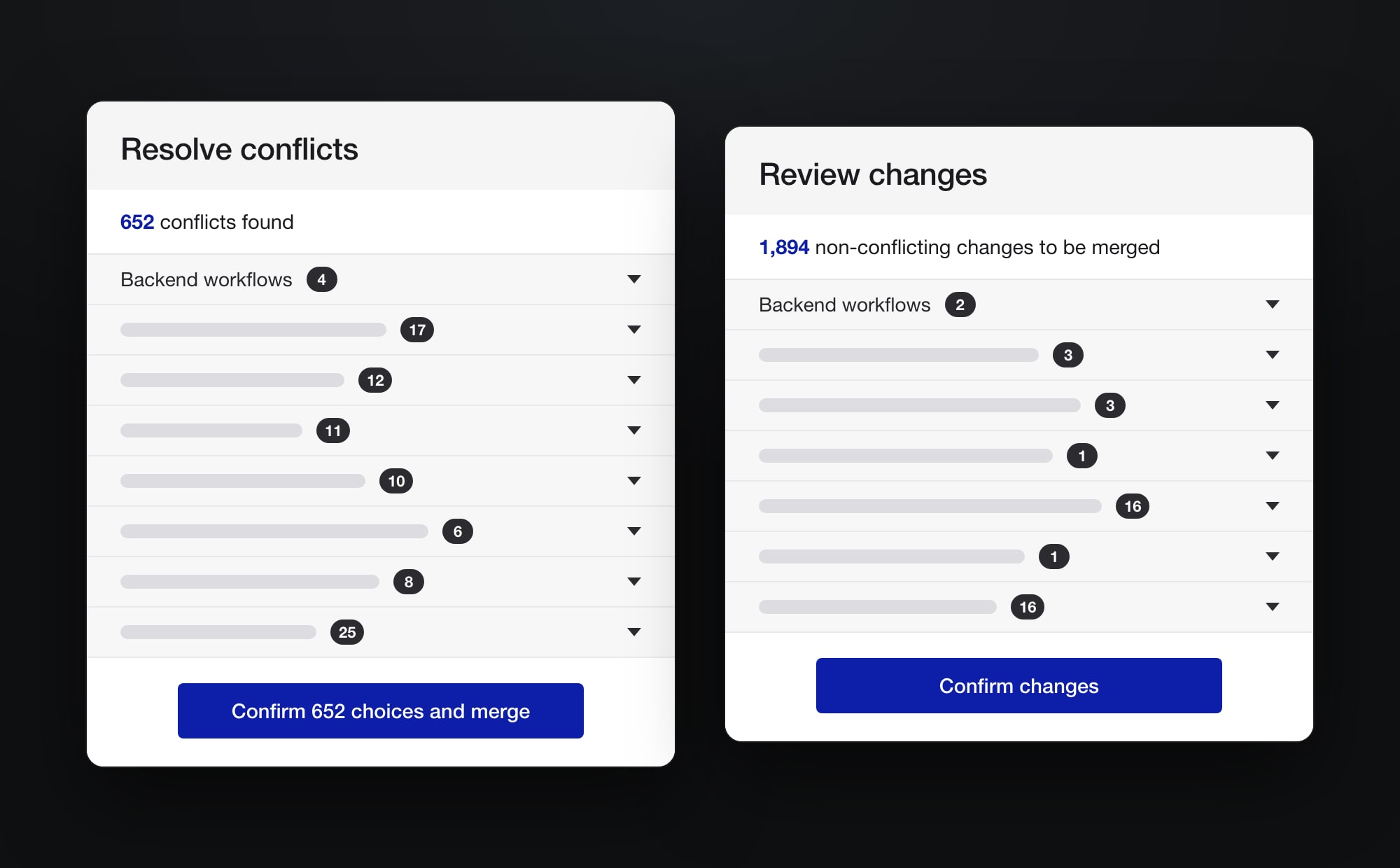
Five real merges into the main branch of one live app, each built and tested on a dev branch first.
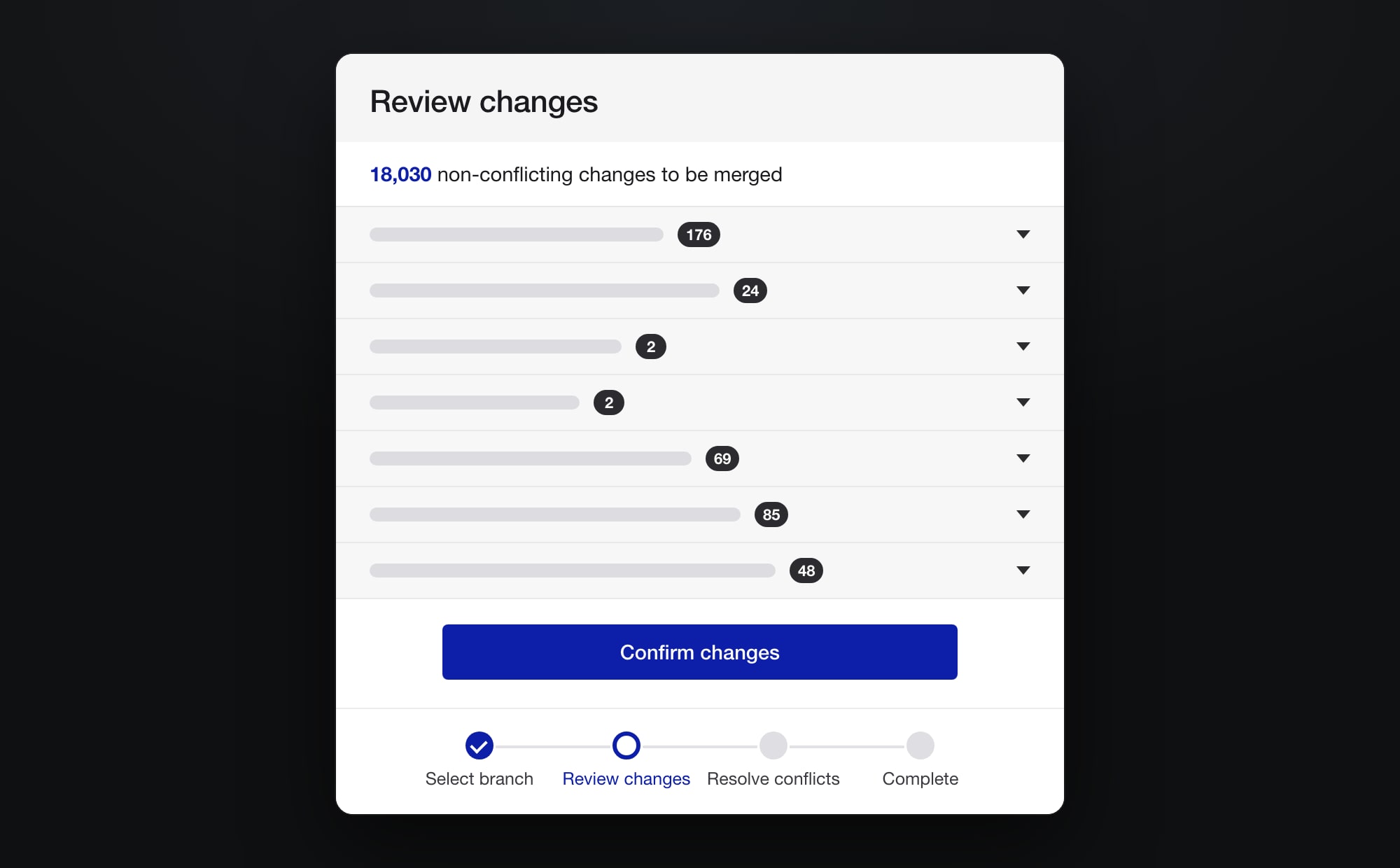
The totals are Bubble’s own. Only the first rows are shown, and area names are hidden.
Conflicts are the hard part. When two branches change the same thing, Bubble asks which version wins, one choice at a time. One merge came with 652 of them, all chosen on the branch. How I set up branches for this is in my Bubble version control guide.
AI inside a Bubble app, without touching live
I connected Bubble’s official MCP, which lets an AI tool read and edit an app, to a production app with several sub-apps. It edits only on a dev branch of that app, and live is out of its reach. It gets full collaborator rights and its changes skip the editor’s undo, so before it touched anything I set what it may do and where, and made the computer enforce it.
| Where | Read | Edit the app | Write records |
|---|---|---|---|
| Live, and apps outside the project on Live it tells me where to look; I check | Blocked | Blocked | Blocked |
| Main branch, "test…" branches, sub-apps | Read | Blocked | Blocked |
| My dev branch one change at a time | Read | With your OK | Blocked |
Hooks check every MCP call, browser action and shell command before it runs. Four real test calls were all blocked: a live read, a call to another app, typing on a live login page and a direct call to the MCP server.
When data has to change, the AI uses the app like a user, in its own browser on a dev branch URL, and leaves a Bubble note with the tool, date and task on everything it edits. If a hook ever fails, Bubble’s own limit on which data types the AI can see still holds. The reasoning behind each rule is in my LinkedIn write-up of the setup.
The setup prompt I use, with every rule and hook Paste it into Claude Code, Codex or VS Code with GitHub Copilot, in your project folder.
Set up Bubble.io's official MCP server for this project with the safety rules below. "I" and "me" mean the person who pasted this. Ask me one question at a time, in simple language, when something is unclear. Don't change anything in Bubble during setup.

1. CONNECT (this project only)
- Server: https://mcp.bubble.io/mcp (HTTP, OAuth). Docs: https://manual.bubble.io/help-guides/ai/bubble-mcp
- Claude Code: .mcp.json in the project folder → {"mcpServers":{"bubble":{"type":"http","url":"https://mcp.bubble.io/mcp"}}}. I restart, approve "bubble", log in via /mcp.
- Codex / VS Code with GitHub Copilot / any other tool: add it the way that tool documents project-level MCP servers, then tell me how to log in.
- Cursor: on 2026-10-22 it could not sign in to Bubble's MCP (no CIMD support, per Bubble's manual). Check the manual first, then tell me instead of trying.
- After login, run list_apps, ask me which apps are the main app and its sub-apps, then run get_versions on the main app and show me branch names and labels.

2. RULES (write them into this project's instruction file: CLAUDE.md, AGENTS.md or .github/copilot-instructions.md)
- Apps: only the main app and the sub-apps I named. Refuse others.
- Live: never pass appVersion "live". If live needs checking, tell me exactly where to look and I check it.
- No database record writes through the MCP (create_thing, update_thing, delete_thing, bulk_create_things, upload_sample_data, upload_image_by_url), dev database included.
- Read only: the main branch (appVersion empty or "test"), branches whose label starts with "test", all sub-apps.
- App edits: only on my own dev branch, only after I say OK. Never delete_branch or create_app.
- The MCP takes the branch NAME, not the label. Ask me which branch before any work. One task = one branch. Recommend against working on someone else's branch.
- Savepoints only when I ask.
- On every element, group, repeating group, workflow or action you change, add a Bubble note: "<AI tool> (Bubble MCP), YYYY-MM-DD, <task ID or 'no task'>: <what changed>". If you can't, list the items for me.

3. DATA / TESTING AS A USER
- Use the Playwright MCP (its own browser), never my browser. Change data only on a dev branch URL (/version-<slug>/); ask me to log in there as the needed user.
- Live pages (the app's domains without /version-<slug>/, and /version-live/): look only. No typing, forms, selects, uploads, key presses, drag/drop, dialogs or scripts; never click create/save/delete.
- Delete .playwright-mcp/ when the browser closes and at session end.

4. ENFORCE WITH HOOKS (if your tool supports pre-tool hooks; Claude Code does)
- Pre-tool hook on every Bubble MCP call: block other apps, "live", the record-write tools, delete_branch/create_app, and any non-read tool on the main branch, "test*" branches or sub-apps. Reads (get_, list_, search_, check_, validate_) stay allowed. Keep a branch name→label map, refreshed by a post-tool hook after each get_versions; block edits on branches not in the map.
- Playwright hook: remember the current page URL from each tool's answer; block the data-entry tools while that page is live.
- Shell hook before every shell command: block direct calls to the MCP server (mcp.bubble.io), calls to /api/1.1/, and reading the Keychain or stored credentials. Test it with commands saved in a file, because the hook also blocks commands that only mention these strings.
- Cleanup hooks for .playwright-mcp/.
- Test every rule with fake inputs, then show me one real blocked call (e.g. a harmless read with appVersion "live"). Report what passed.
- No hook support in your tool: say so and keep the rules in the instruction file only.
Moving live data into a sub-app
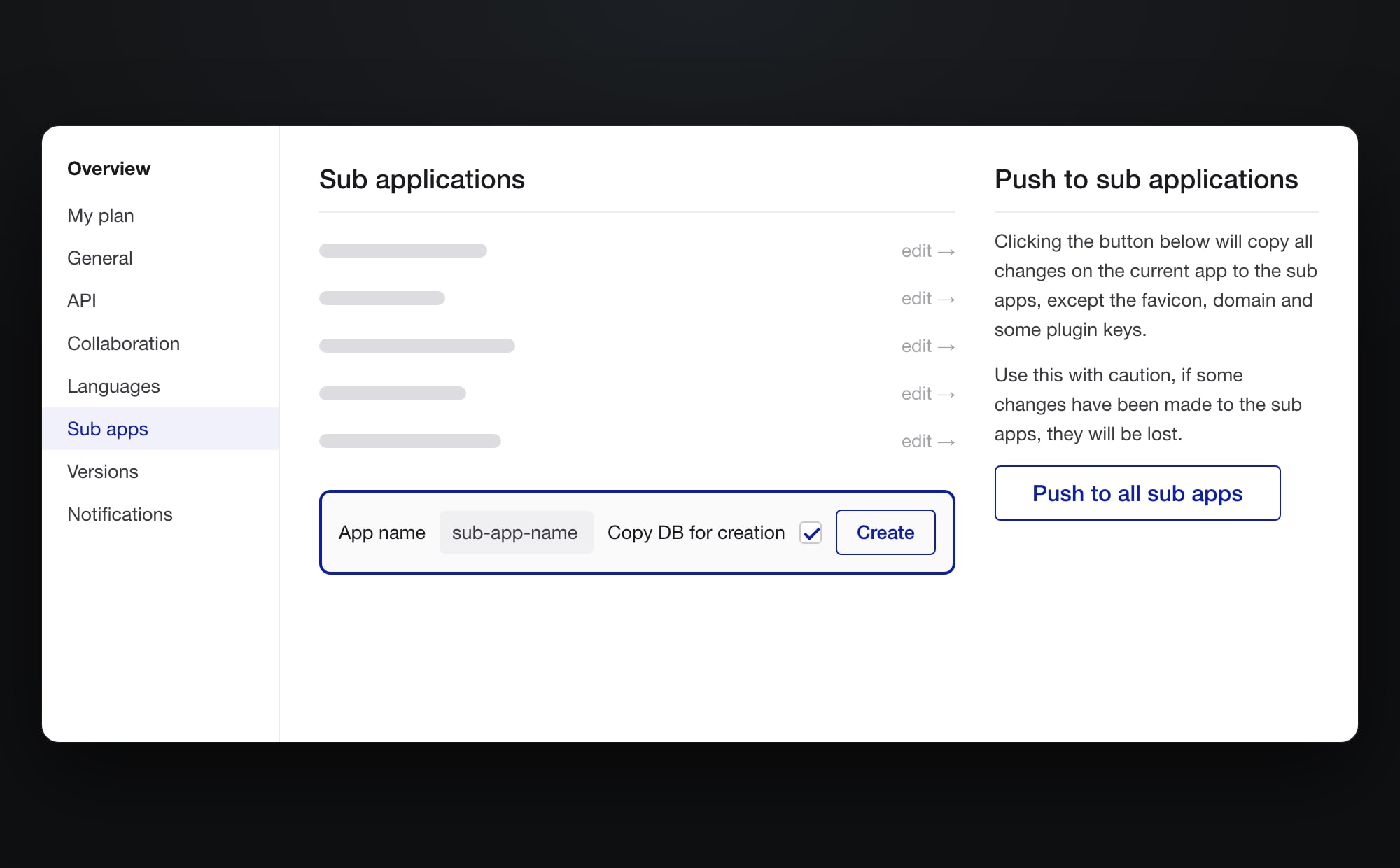
A client needed their own sub-app holding only their slice of live data, with every relation and its history. Bubble has no button for that. (New to sub-apps? Start with how sub-apps work in Bubble.)
- "Create sub-app with database" copies to Dev only.It used to fill Live too.
- A new sub-app starts on the Free plan.That plan has no Live database to copy into.
- Upgrading creates a Live that is empty.None of the main app's Live data comes with it.
- Main app · Dev Disabled data triggers on dev branches.
- Main app · Dev Copied the data to be migrated from Live into Dev, as a temporary copy.
- Sub-app · Dev Created the sub-app with a copy of the database.
- Sub-app · Dev Checked all data.
- Main app · Dev Removed the copy by restoring Dev to before step 2.
- Main app · Dev Turned data triggers back on.
- Sub-app · Live Upgraded the sub-app, creating its empty Live.
- Sub-app · Dev Removed everything outside the client's slice, following the relations.
- Sub-app · Dev Tested.
- Sub-app · Live Copied the sub-app's Dev database to Live.
- Sub-app · Live Tested.
- Sub-app · Live Onboarded the client.
This was a one-off data migration, not a test setup. Live is only the source of the copy in step 2, and no step writes to it. Data triggers stay off while the copy exists, the AI's Bubble MCP access stays off until it is gone, and step 5 removes it.
The same steps are written up as a tutorial in how to move live data into a Bubble sub-app.
Every part of a Bubble app, with proof
Each part links to the work that proves it.
- Data
- Integrations
- Changing a live app
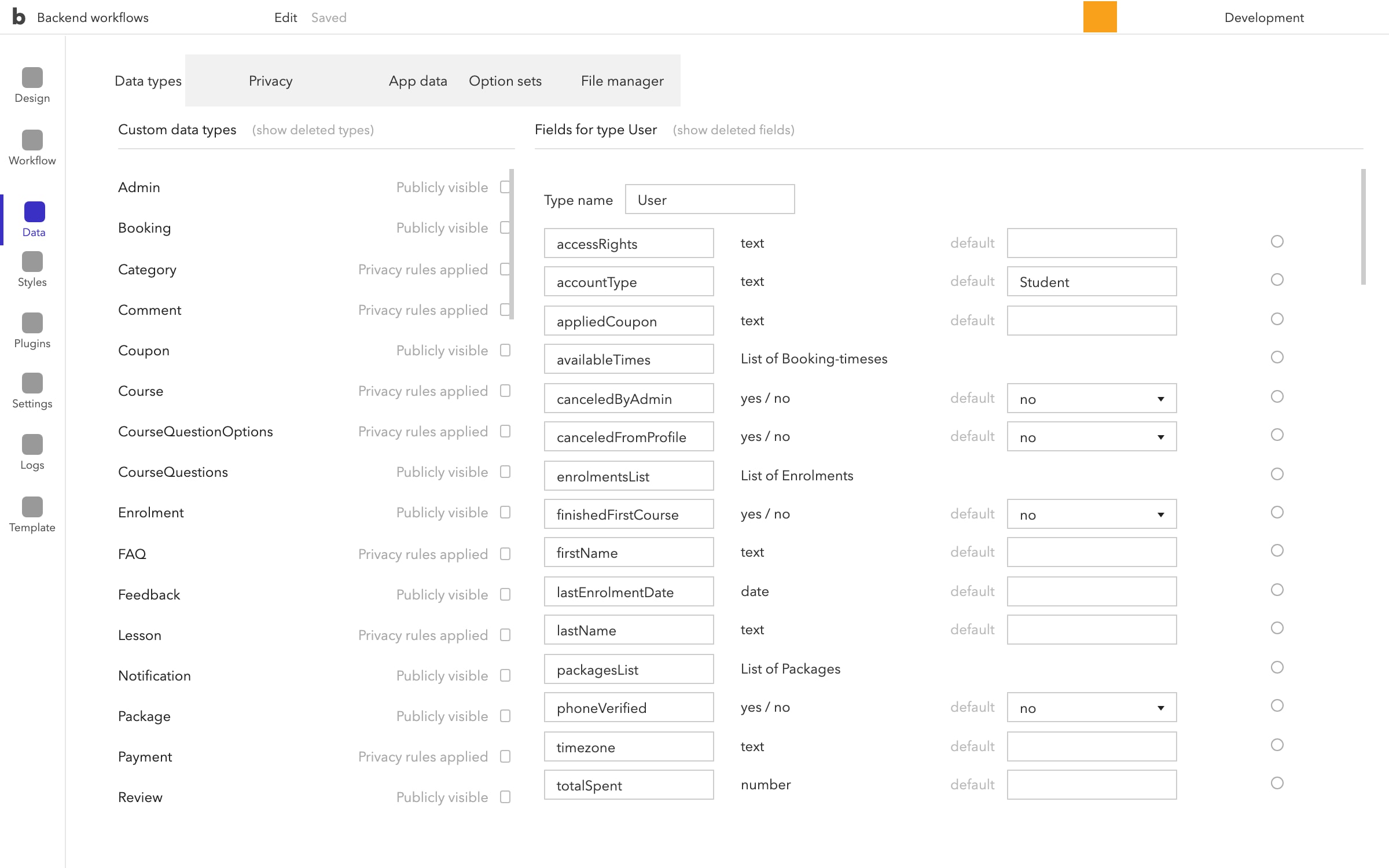
Taking over someone else's Bubble app
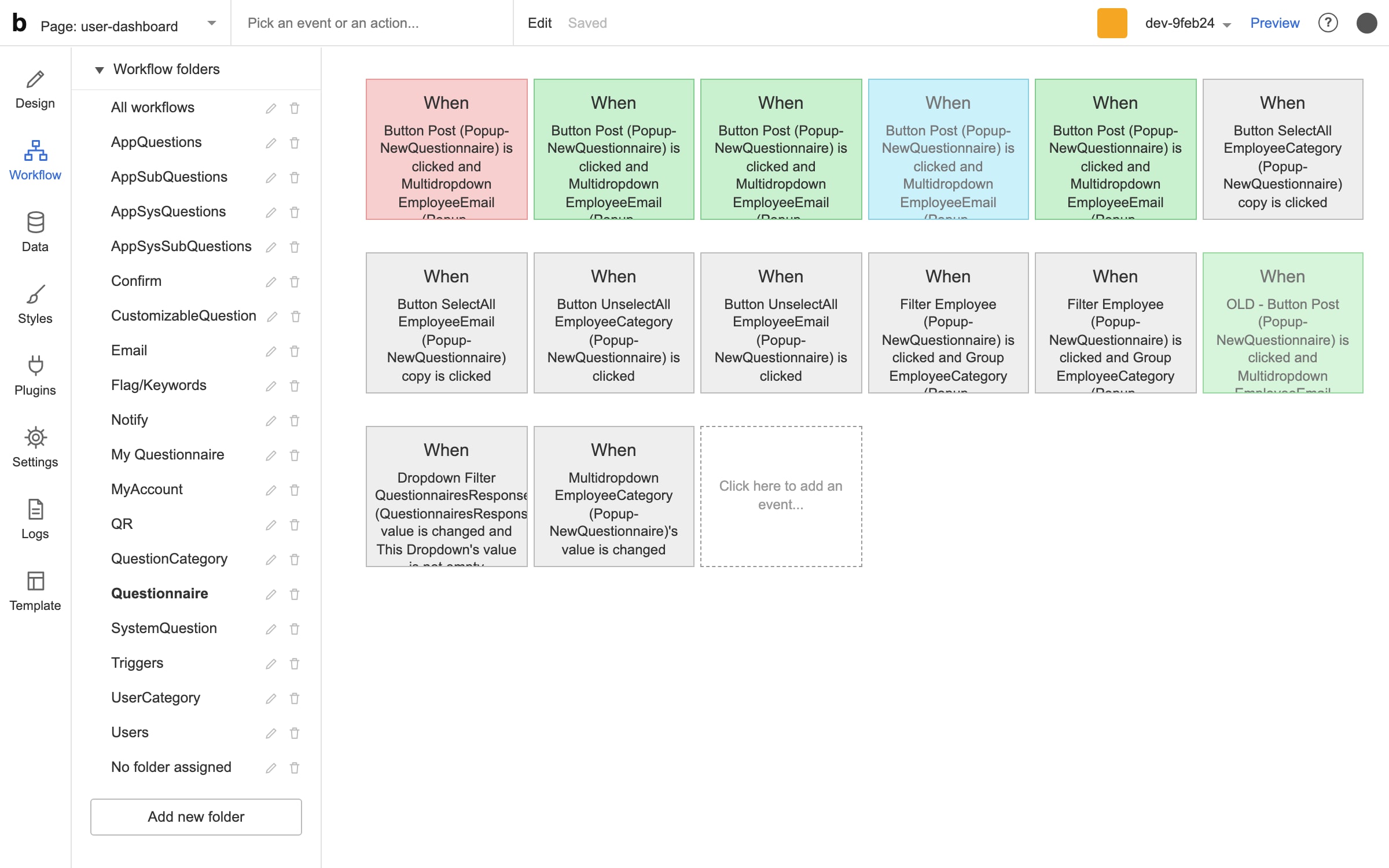
A lot of my Bubble work starts in an app another developer built, so I run a security pass early. These are the four things I look at first.
- Secret keys in browser calls.API Connector calls run from the browser expose their headers to every visitor. Secret keys belong in backend workflows, and a key that was exposed gets rotated.
- Third-party keys without restrictions.A key that works from any website can be lifted from the page source. Limit each one to the domains that need it.
- Webhooks that trust anyone.A webhook that does not check signatures accepts fake events. Verify every event before any write.
- Privacy Rules wider than the product needs.If any logged-in user can read another account's rows, the rules are too wide. Match each data type to what the product needs.
How to check each one is in what to check first when you take over a Bubble app. Key handling is in Bubble.io API security best practices. The full list of what I audit is in what a Bubble security audit should cover.
When Bubble is the wrong tool
I also work in code, with Claude Code, React and Supabase, on products like AgencyHub and Wavelength. If you have an app built with Lovable or Cursor that will not hold up, see vibe code cleanup. If your product has outgrown Bubble, I’ll say so on the first call.
Before the call
Common questions
What does a senior Bubble.io developer cost with you?
Hourly, invoiced weekly. The rate is on the contact page. I take at most three clients at a time and reply within 24 hours. The first call is 30 minutes and has no pitch in it.
Is connecting Bubble's MCP GDPR-compliant?
Not on its own. Anything the AI reads is sent to the AI provider, which then processes personal data on your behalf. That needs a data processing agreement (Art. 28) and, for a provider outside the EU, a valid transfer basis (Chapter V). My setup keeps live out of the MCP and limits what it reads on dev. It is my setup, not legal advice: check your agreements with Bubble and your AI provider first.
Can you take over a Bubble app another developer built?
Yes, it's a lot of my work. I was lead developer on ShareTalent for 17 months, took RealClear's AI SaaS live in three weeks, and worked on FoodIWant's checkout and payments for seven months. I start with a security pass: keys, webhooks and Privacy Rules.
Can you bring our Workload Units down?
I look first at the searches and lists that load more than the page shows. On ShareTalent, paginated repeating groups replaced lists that loaded every row. On the call I'll tell you where your app's usage is likely coming from.
Do you work on our branch or your own?
My own, one branch per task, so every change can be checked before it's merged. If I need a new branch, the app owner or someone with that right creates it.