Writing · Tag
Articles tagged "no-code".
30 articles on this topic.
Articles tagged "no-code"
·8 min read · bubble , bubble-list-field , data-integrity
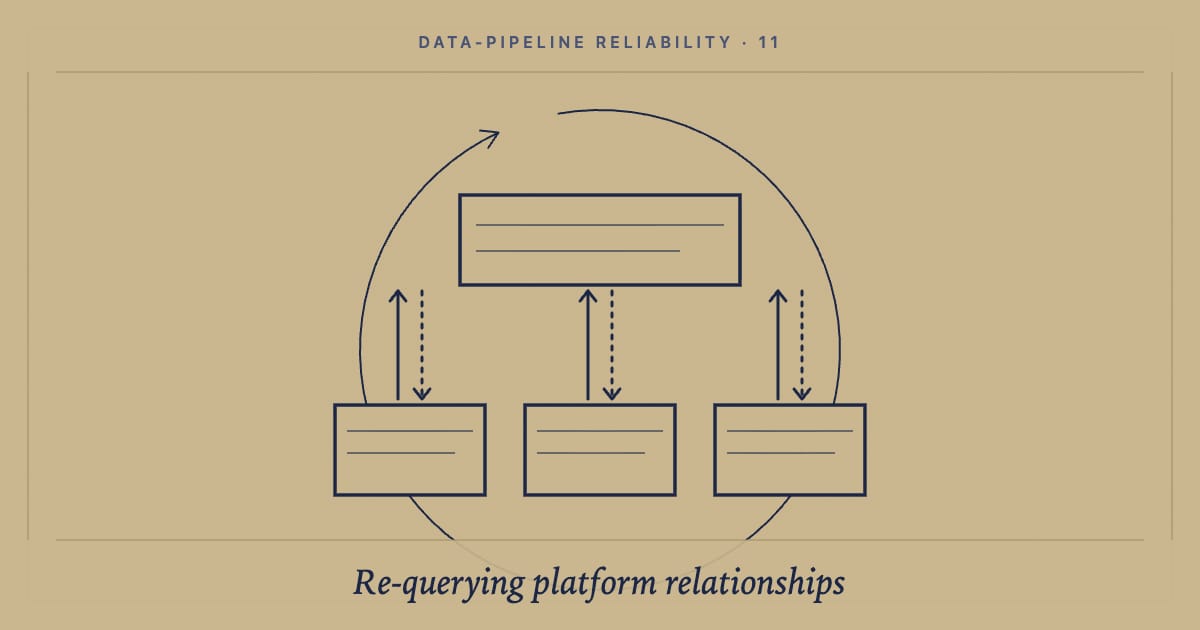
Why I stopped trusting Bubble.io's list fields and re-query the database instead
Bubble.io list fields don't auto-update when children point at parents. Re-query the database, write the actual list back. Here is the pattern.
·10 min read · authentication , security , 2fa
How to Implement TOTP(time-based one-time passwords) based 2FA in Bubble.io Without Using Any APIs?
Learn how to add Google Authenticator–style 2FA in Bubble.io using the Crazy Two Factor plugin - no APIs, no plugins, just secure TOTP authentication.
·12 min read · filtering , no-code , bubble
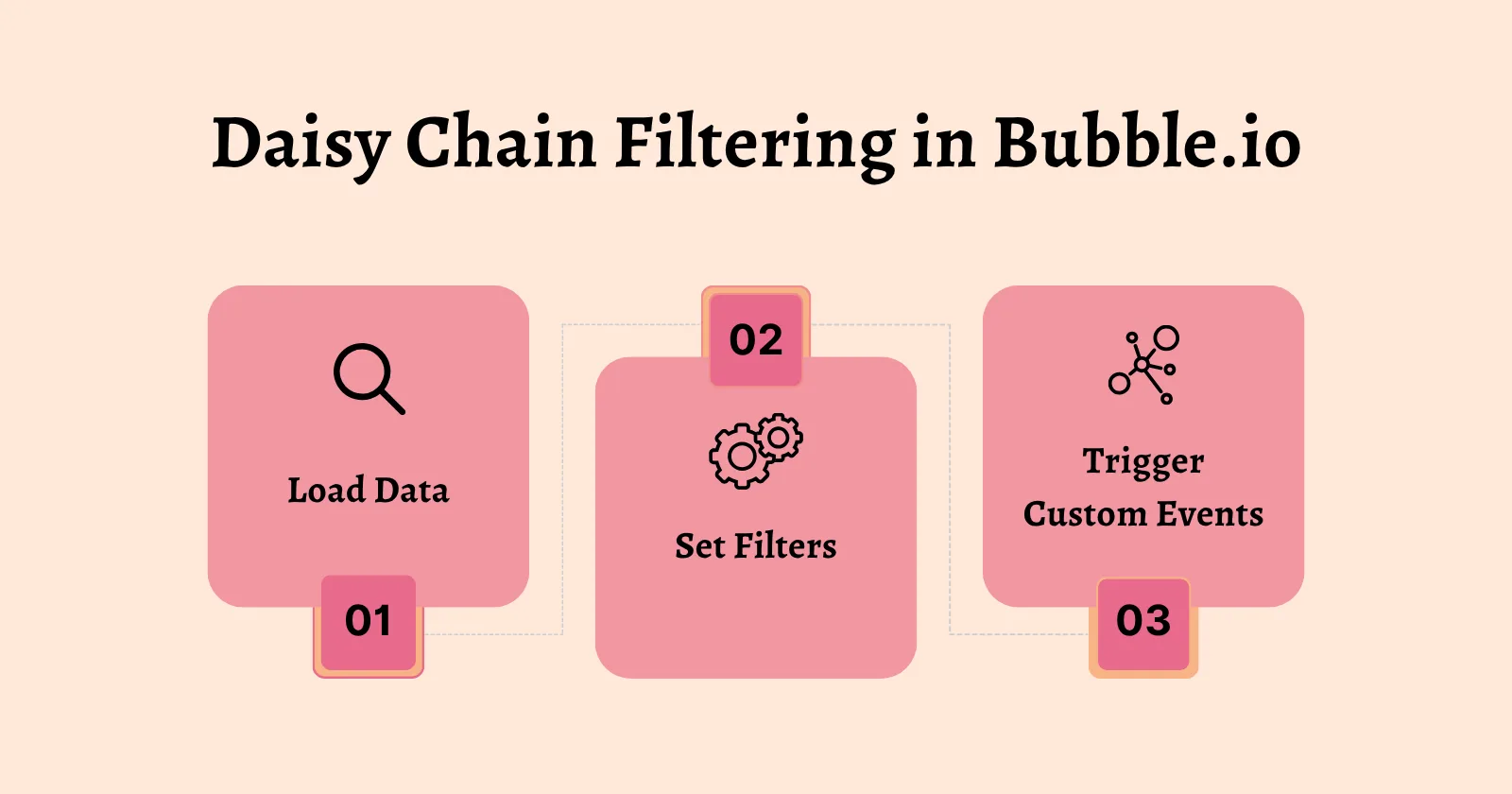
How to Implement Daisy Chain Filtering in Bubble.io?
Build fast client-side filtering in Bubble.io with Daisy Chain logic. Step-by-step tutorial and best practices for performance and scalability.
·5 min read · no-code , bubble , bubbleio
How to Let Admins Access User Accounts in Bubble.io Without Credentials
Add admin impersonation to Bubble.io: let admins log in as any user without storing credentials. Built with a short-lived token generated by a backend API workflow.
·5 min read · sorting , uiux , no-code
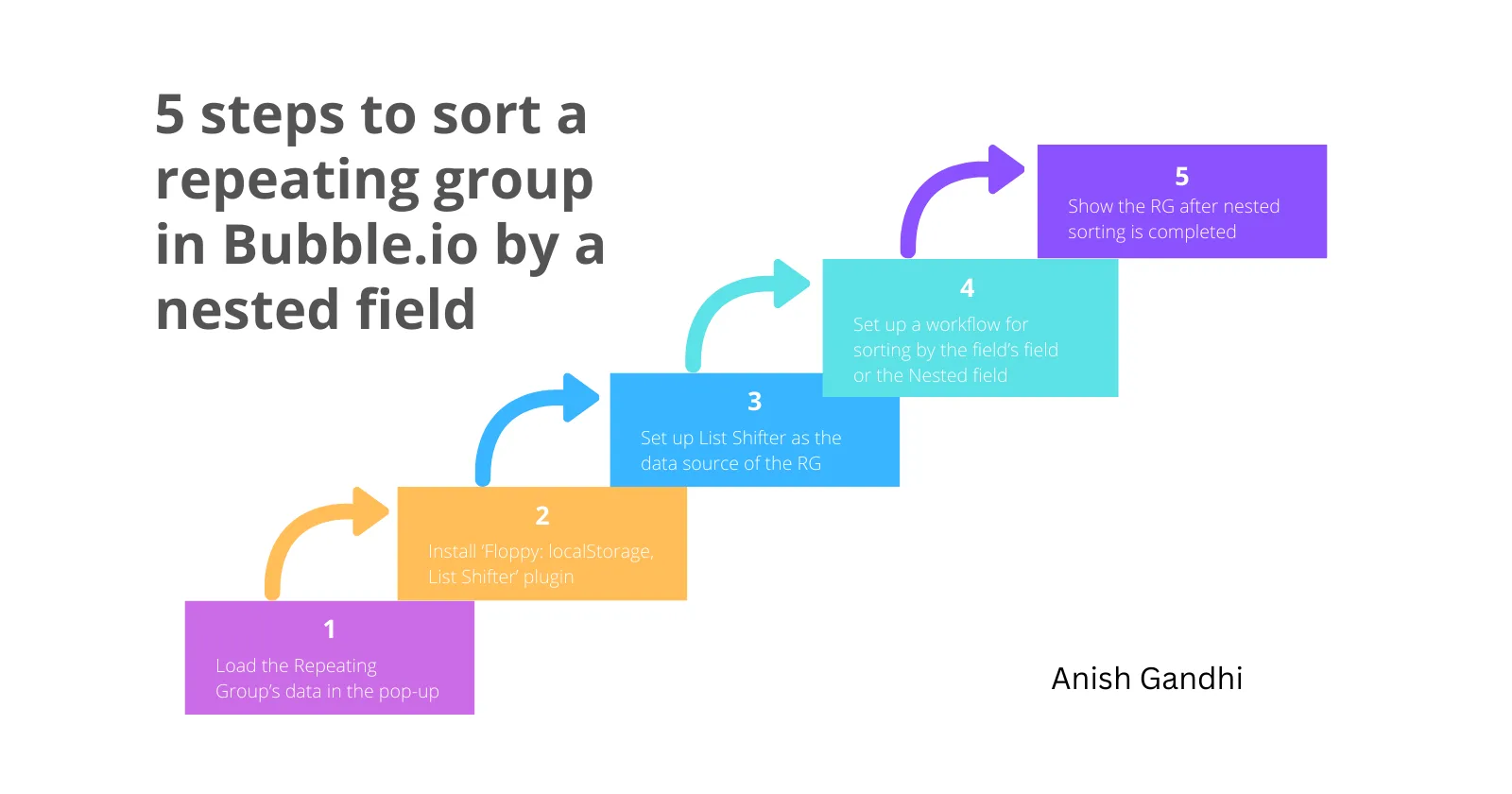
How to sort a repeating group in Bubble.io by a nested field?
Learn how to sort a repeating group in Bubble.io by a nested field with this step-by-step guide and enhance your app's functionality
·13 min read · no-code , bubble , ai-assistant
Step-by-Step Guide to Building an AI Assistant with Bubble.io (No Plugins)
Create an AI assistant in Bubble.io using APIs with this step-by-step guide, ideal for entrepreneurs and developers
·7 min read · css , javascript , ux
5 Simple Scripts to Enhance UI/UX for Your Bubble.io App
Customize your Bubble.io app with custom scrollbars, uploaders, centered popups, and responsive layouts—no paid plugins required!
·6 min read · typography , web-design , no-code
How to add custom fonts in bubble.io?
Learn to add custom fonts in Bubble.io with this step-by-step guide to enhance your app's typography and stay on brand

·5 min read · apis , no-code , api-security
Bubble.io Tips - 3
Learn essential Bubble.io privacy and security tips, optimize API calls, and implement best practices to protect your data and improve performance

·11 min read · bubble , security , api
Bubble.io API Security Best Practices
Learn how to secure API calls and manage tokens in Bubble.io with effective steps and best practices to protect sensitive information

·3 min read · optimization , performance , performance-optimization
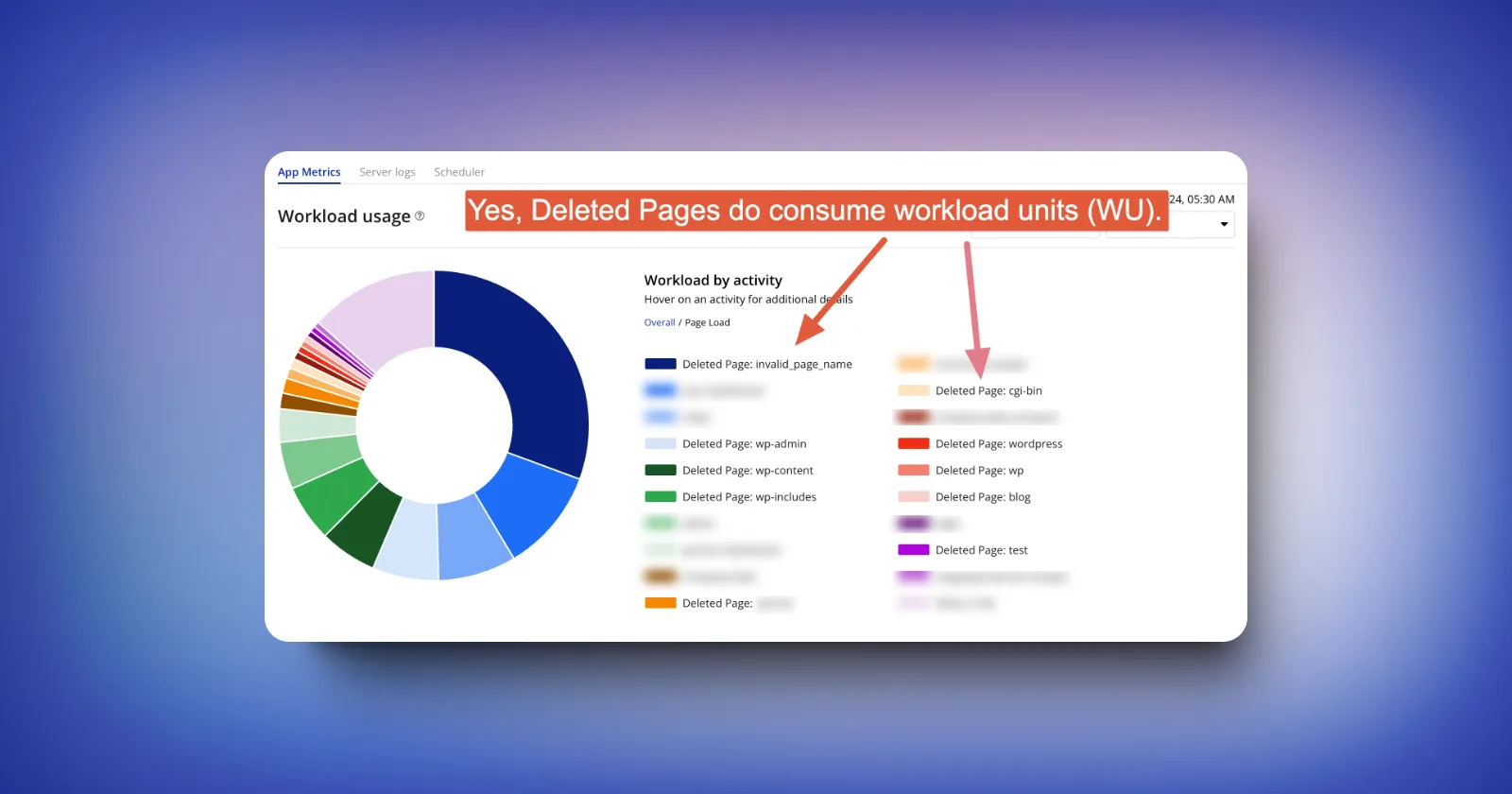
How can you effectively prevent deleted pages from consuming workload units (WU)?
Learn how to prevent deleted pages from consuming workload units in your web application. This guide provides actionable steps to optimize resources and imp
·6 min read · low-code , no-code , learning-journey
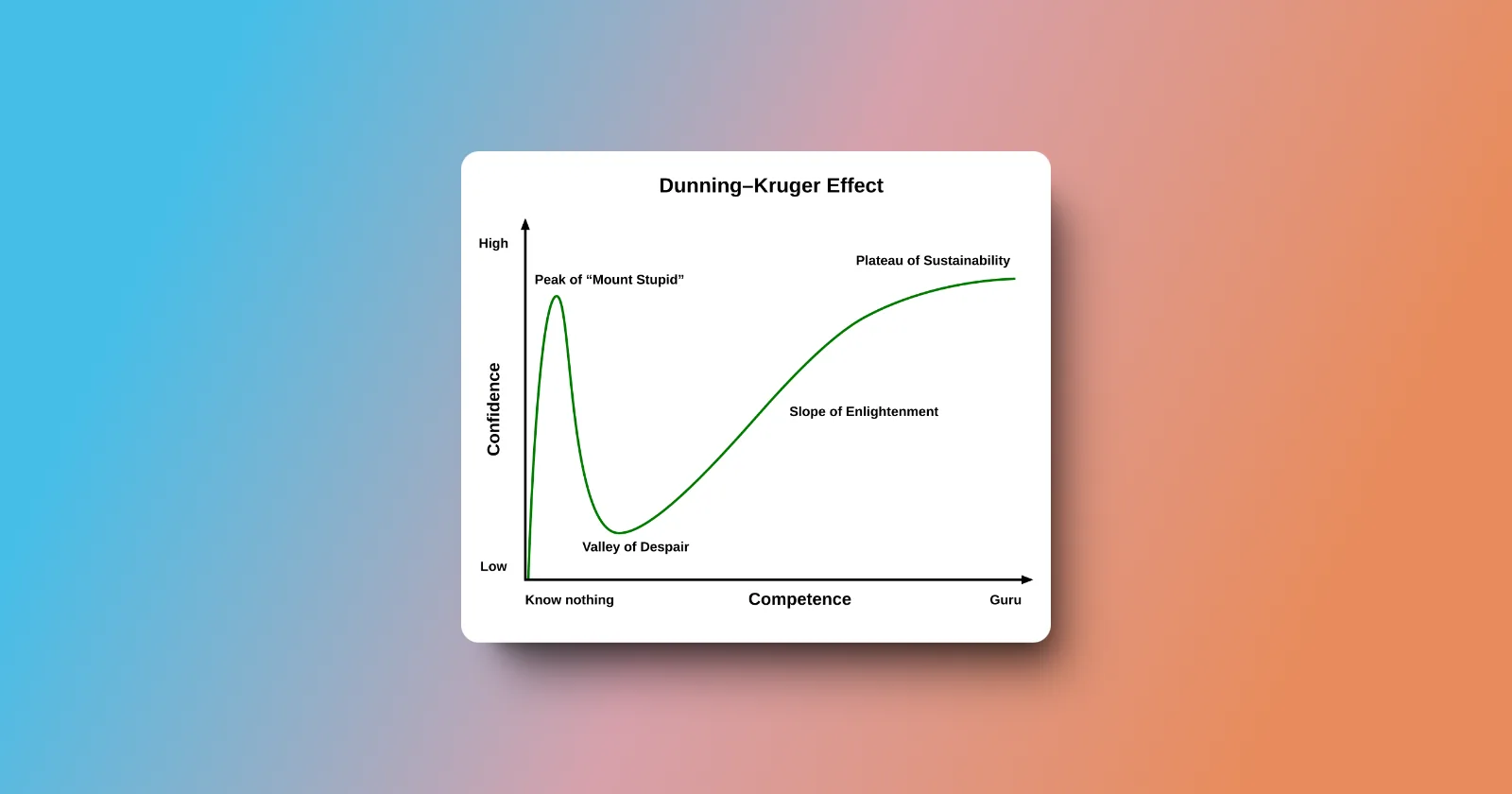
The learning curve of the bubble (no-code) developer explained using the dunning-Kruger effect
Discover how the Dunning-Kruger Effect impacts no-code programmers, leading to overconfidence in early stages, and how to overcome it for long-term success.
·5 min read · css , ui-design , low-code
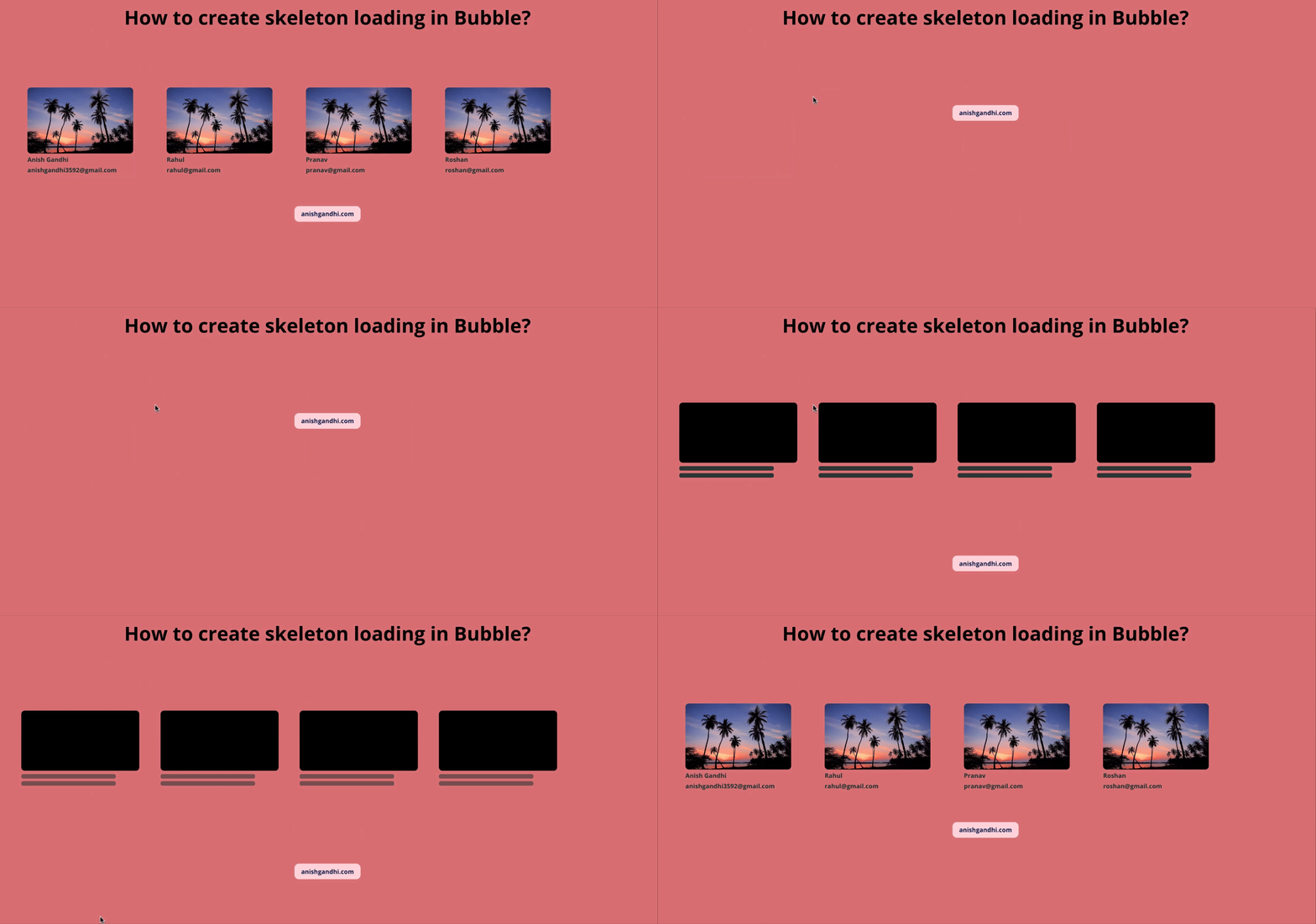
How to create Skeleton Loading in Bubble?
Step by step process to implement skeleton loading repeating group in bubble.io
·3 min read · no-code , nocode , openai
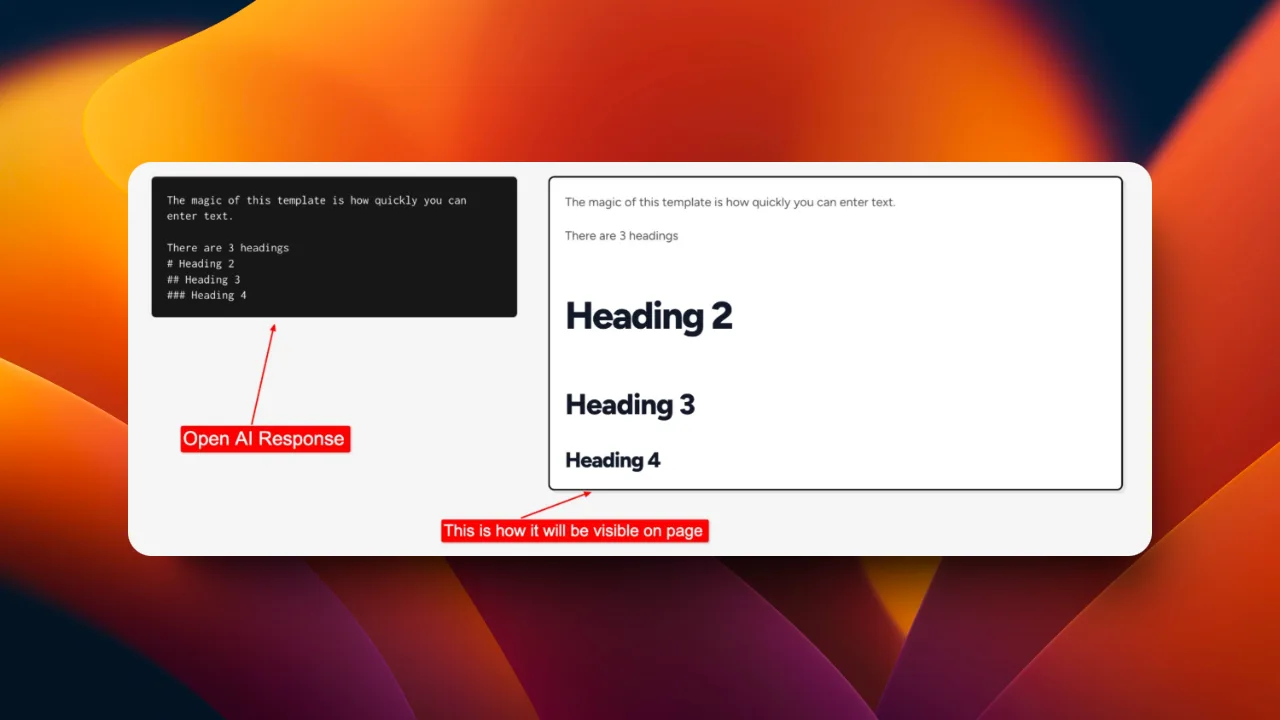
How can openAI's markdown text be converted into HTML text with CSS style without code in Bubble? (Without Paid Plugin)
How can open AI's markdown text be converted to HTML with style without code in a bubble?
·4 min read · apis , no-code , api-basics
What is Rate Limiting in Xano?
Simplified version for the concept of rate limiting with the benefits of using it in xano!

·7 min read · plugins , no-code , nocode
How to convert Bubble Page into PDF? How to merge multiple PDFs in Bubble?
Export a Bubble.io page as PDF and merge multiple uploaded PDFs into one. Uses PDF Conjurer plugin and n8n to avoid workflow timeout errors on large merges.

·5 min read · no-code , nocode , bubble
How to restrict file types in multi-file uploader in bubble? (No Code/No Paid Plugins)
How to restrict file types in multi-file uploader in bubble.io ? (No Code/No Paid Plugins)
·4 min read · databases , uuid , data-migration
How to choose between the UUID and the sequential ID as the Primary key in Xano?
Choosing the appropriate primary key format is critical to the database and system’s performance, scalability and data-integrity
·3 min read · api , no-code , api-access
How to select data field API Access in Xano?
Difference between Public, Private, and Internal API access types in Xano

·7 min read · performance-optimization , no-code , nocode
How to Verify a user's email in the Bubble app using Postmark?
Learn the step-by-step guide on email verification using Postmark in your Bubble app. Strengthen security and enhance user trust effortlessly. #NoCode #Post
·3 min read · no-code , nocode , bubble
Bubble.io Tips - 2
These 5 tips are going to help you increase your knowledge as a Bubble.io Developer

·6 min read · best-practices , no-code , bubble
Best practices while collaborating with other Bubble Devs I follow using Version control of Bubble.io
How to collaborate with other Bubble Devs while working on the same Bubble.io application using Bubble.io version control?

·2 min read · no-code , nocode , bubble
Bubble.io Tips - 1
5 tips to have knowledge of to excel in your Bubble.io APP development

·7 min read · bubble , bubbleio , stripe
How to configure Stripe Checkout Integration in the Bubble.io application without any Paid Plugins?
Know How to configure, initiate and capture payment with Stripe checkout in the Bubble.io application without a paid plugin?

·6 min read · optimization , no-code , nocode
Arbitrary Text : Data Source of Nested Repeating Group in Bubble
Arbitrary text: Use this to manually enter a static or dynamic string of text. The text entered can be further modified with any of our text type operators.
·7 min read · ai , no-code , chatgpt
How to integrate GPT 3.5 Turbo API into your Bubble.io app?
Integrate OpenAI GPT-3.5 Turbo into Bubble.io: API Connector setup, bearer token auth, message array, and parsing the response. The same pattern works with GPT-4 and later.
·4 min read · bubble , bubbleio , geolocation
How to calculate the distance between two locations in Bubble.io? (One location will be dynamic)
Use Bubble.io to create a geolocation database and calculate the distance between the user's premise location and the advertised business location

·4 min read · bubble , stripe , payments
How to use Stripe Payment Intents with Bubble?
Through the native API Connector plugin, you can easily create and manage payment objects. To set up Payment Intents in your Bubble application, follow thes

·3 min read · mvp , no-code , nocode
How to create a bubble app using the phone number as a signup method? (No Plugin)
it is possible to make phone number the main login method on your Bubble.io application
·16 min read · no-code , bubble , bubbleio
Why one should choose Bubble.io?
An honest practitioner take on Bubble.io in 2026: what it does well, when Lovable or Cursor beats it, the workload-units pricing reality, and how I decide on client work.